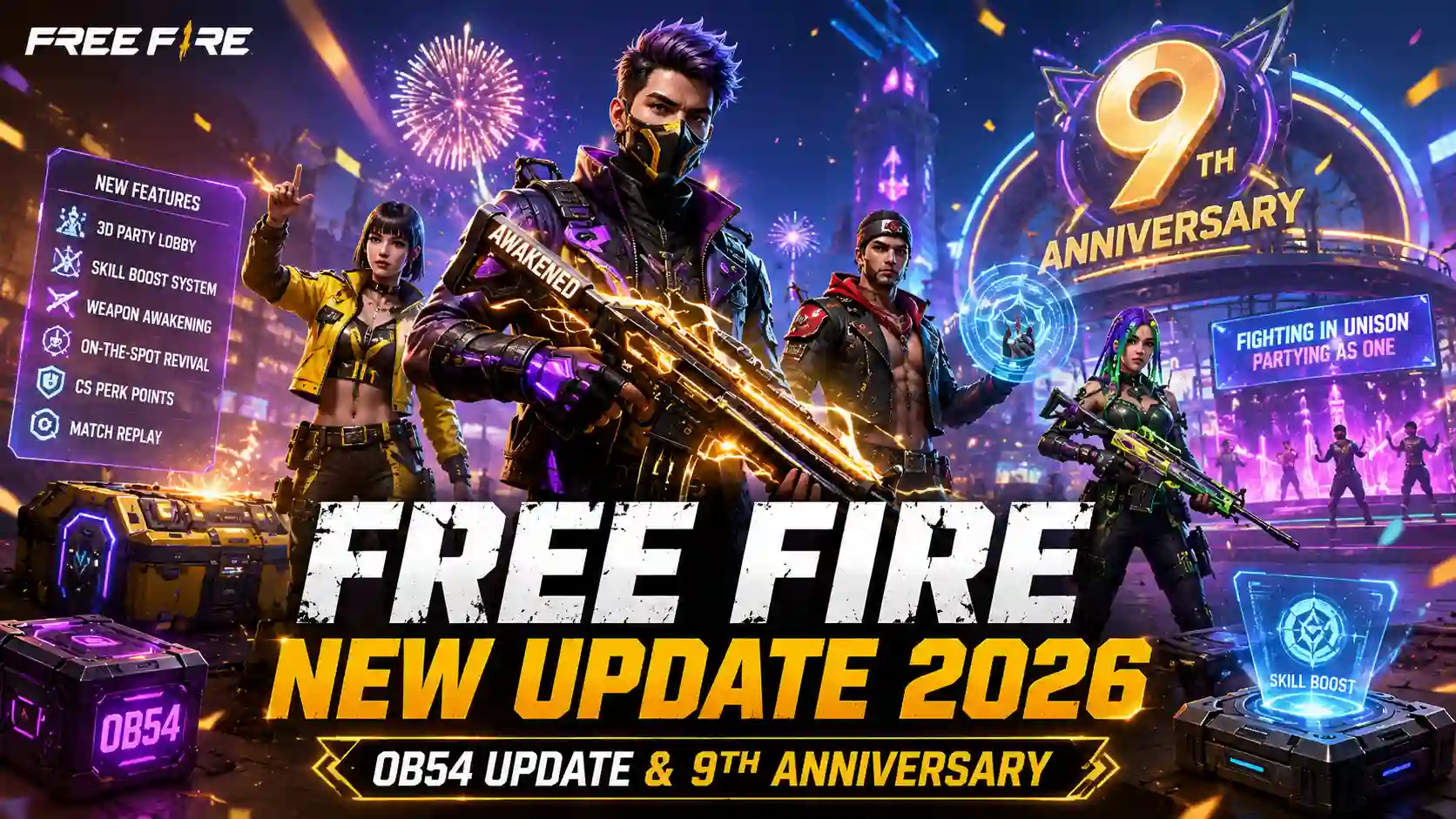
If you’ve seen YouTubers testing new characters, weapons, and maps weeks before everyone else, they’re playing on the Free Fire Advance Server 2026. It’s Garena’s official testing ground, and getting in isn’t random — there’s a real process behind it.
This guide covers everything: what it actually is, who’s eligible, how to register, how the activation code works, what’s different in OB55, and the mistakes that get most players rejected.
Table of Contents
What Is the Free Fire Advance Server
This is Garena’s official beta-testing platform. It runs separately from the main game and lets a limited group of selected players try upcoming content before it’s released worldwide.
| Point | Detail |
|---|---|
| Purpose | Test new updates, characters, weapons, maps before global release |
| Access | Invitation-only, via activation code |
| Frequency | Roughly every 1–2 months, ahead of each new OB update |
| Platform | Android only (no official iOS support) |
| Data | Progress, diamonds, and skins do not carry over to your main account |
Garena uses this data to fix bugs and balance weapons before the update goes live for everyone — which is why testers who report issues are rewarded with diamonds.
If you’re waiting for smoother gameplay in the next update, also read our PUBG Mobile 165 FPS Release Date guide to learn about the latest graphics improvements.
Free Fire Advance Server vs Free Fire MAX vs Live Server
This is where most articles get vague. Here’s a direct comparison.
| Feature | Advance Server | Free Fire MAX | Live/Regular Free Fire |
|---|---|---|---|
| Access | Invite-only | Public | Public |
| Content | Unreleased, experimental | Current + HD graphics | Current, stable |
| Bugs | Expected | Rare | Rare |
| Rewards | Diamonds for bug reports | Normal in-game rewards | Normal in-game rewards |
| Progress saved | No | Yes | Yes |
| Platform | Android only | Android & iOS | Android & iOS |
Is Free Fire Advance Server Available in India
This is a genuine point of confusion, and most competitor articles skip it entirely.
- Regular Free Fire has been unavailable in India since the 2022 ban.
- Free Fire MAX is the version officially available to Indian players.
- Garena’s registrations for this program are region-based, and access for Indian accounts has been inconsistent update-to-update — sometimes tied to Free Fire MAX accounts instead of the original app.
- Always check the official Advance Server site directly for your region’s current status before assuming you’re eligible.
If you’re in India, register using your Free Fire MAX account details, since that’s the active version in your region.
Free Fire Advance Server Eligibility Criteria
Not everyone who registers gets in. Garena filters applicants using these standard requirements:
| Requirement | Detail |
|---|---|
| Minimum age | 18 years or older |
| Account age | Free Fire/Free Fire MAX account at least 9 months old |
| Login method | Verified account linked to Facebook or Google |
| Ban history | No history of bans or reported violations |
| Region | Advance Server must be open in your country for that cycle |
| Slots | Limited — not guaranteed even if you qualify |
Tip: Garena tends to favor older, active, well-standing accounts. A new or inactive account lowers your selection chances even if you technically meet the age and account-age rules.
Looking for more BGMI, PUBG Mobile and Free news? Visit our Esports Updates section for the latest game updates, collaborations, and tournament coverage.
Free Fire Advance Server Registration (Step-by-Step)
| Step | Action |
|---|---|
| 1 | Go to the official site: ff-advance.ff.garena.com |
| 2 | Log in with the Facebook or Google account linked to your Free Fire ID |
| 3 | Fill in the registration form (email, Free Fire UID, reason for joining) |
| 4 | Submit and wait — Garena reviews applications in batches |
| 5 | If selected, you’ll receive an activation code by email or in your in-game mailbox |
| 6 | Use the code to unlock the app |
Only register through the official Garena link. Third-party sites offering “guaranteed” activation codes are not legitimate — Garena is the only real source.
Free Fire Advance Server Activation Code
The activation code is the single most important piece of this entire process — without it, the downloaded APK simply won’t open.
- Sent only to players Garena selects from the applicant pool
- Delivered via registered email or the in-game mailbox — check both
- One code per selected player; it cannot be shared or reused across accounts
- No verified way exists to buy, generate, or guess a code — treat any site claiming otherwise as a scam risk
Free Fire Advance Server Download
Once you have your activation code, downloading the APK is straightforward.
| Step | Action |
|---|---|
| 1 | Enable “Install from Unknown Sources” in your device settings |
| 2 | Download the APK from the official Advance Server site |
| 3 | Open the downloaded file and tap Install |
| 4 | Launch the app and log in with the same account used for registration |
| 5 | Enter your activation code when prompted |
| 6 | Start testing — new maps, characters, and features load automatically |
| Device Requirement | Minimum |
|---|---|
| OS | Android 8.0+ |
| RAM | 3GB (4GB+ recommended) |
| Storage | Around 700MB–1.5GB free |
| iOS | Not officially supported — requires an Android emulator like BlueStacks or LDPlayer |
Free Fire Advance Server OB55 Test Window
Garena typically opens each testing cycle 1–2 weeks before the matching OB update goes live globally, and closes it a few days before the public release to finalize the build.
| Update | Approximate Pattern |
|---|---|
| Advance Server opens | 1–2 weeks before global release |
| Testing window | Roughly 7–14 days |
| Advance Server closes | A few days before public rollout |
| OB55 global release | Expected early September 2026 (unconfirmed — verify via official Garena channels closer to the date) |
Exact OB55 dates fluctuate as Garena finalizes the build, so treat any specific date you see online as tentative until Garena’s official in-game banner or social channels confirm it.
Rewards for Reporting Bugs
Testing isn’t just early access — it comes with incentives.
| Contribution | Typical Reward |
|---|---|
| Reporting a valid bug | Diamonds (amount varies by bug severity) |
| Providing detailed feedback | Occasional exclusive in-game items |
| Consistent quality reports | Higher chance of selection in future cycles |
Rewards are credited to your regular Free Fire account after the testing cycle ends — not to the Advance Server itself, since that version resets each cycle.
Looking for more sports and gaming coverage? Visit Sportsangam for live cricket scorecards, match predictions, esports news, BGMI updates, and breaking sports stories from around the world.
Common Free Fire Advance Server Problems & Fixes
| Problem | Likely Cause | Fix |
|---|---|---|
| Didn’t receive activation code | Not selected this cycle, or email missed | Check spam folder and in-game mailbox; try again next cycle |
| APK won’t install | “Unknown Sources” disabled | Enable it in device settings, then reinstall |
| App crashes on login | Wrong account or expired code | Confirm you’re using the account you registered with |
| “Region not supported” error | Country not part of this cycle’s rollout | Wait for the next Advance Server cycle |
| Progress missing after update | Normal behavior | Advance Server data never transfers — this is expected |
Pros and Cons
| Pros | Cons |
|---|---|
| Try new content weeks early | Android only, no official iOS support |
| Earn diamonds for bug reports | Selection isn’t guaranteed |
| Influence final balancing via feedback | Progress doesn’t carry to your main account |
| Separate from your main account (no risk to live progress) | Buggy, unstable builds are expected |
| Direct line of feedback to Garena | Region-restricted each cycle |
What’s New Compared to Recent Advance Server Cycles
Recent testing cycles have generally covered:
- New characters and ability tweaks
- Weapon balance changes and new weapon types
- Map adjustments and new POIs
- Collaboration content ahead of public launch
- UI and performance improvements
Expect OB55’s Advance Server to follow the same pattern — character/ability testing, weapon balance, and any collaboration content planned for that update cycle.
If you’re interested in competitive gaming, don’t miss our latest Esports Updates coverage featuring BGMI tournaments, roster updates, and major developments from the Indian esports scene.
Conclusion
This program remains the fastest way to see what’s coming to Free Fire before anyone else — but getting in comes down to meeting Garena’s eligibility rules and registering only through the official channel. Keep your account active, wait for each new cycle’s registration window, and always verify dates and codes directly from Garena rather than third-party sites.
Frequently Asked Questions
1. What is the Free Fire Advance Server?
The Free Fire Advance Server is Garena’s official beta-testing platform where selected players can try upcoming characters, weapons, features, and gameplay changes before the global release.
2. How can I register for the Free Fire Advance Server?
You can register through Garena’s official Advance Server website when registration opens. You need to log in with your linked Free Fire account and submit the required details.
3. How do I get a Free Fire Advance Server activation code?
Activation codes are provided by Garena to selected players. After registering, check your registered email or account notifications for your code. There is no legitimate way to generate or purchase a guaranteed code.
4. Does Advance Server progress transfer to my main Free Fire account?
No, progress made on the Advance Server does not transfer to your main account. The testing environment operates separately from the regular game, and its data may be reset after each testing cycle.
5. When will the Free Fire Advance Server for OB55 open?
The exact OB55 Advance Server schedule depends on Garena’s official testing timeline. It is generally expected to open before the global OB55 update, so players should follow Garena’s official channels for confirmed registration and testing dates.