The OnePlus N6 is one of the most talked-about budget launches of 2026, thanks largely to a 120Hz display on a phone priced under ₹20,000. Powered by the MediaTek Dimensity 6360 Apex chipset and backed by a massive 8,000mAh battery, the device is built primarily for battery life and everyday use rather than gaming. In this guide, we’ll cover OnePlus N6 BGMI FPS support, whether it can hit 120 FPS, best graphics settings, real-world gaming tests, Free Fire performance, heating, battery drain, and complete specifications.
No, the OnePlus N6 does not officially support 120 FPS in BGMI. Independent gaming tests show the device holding a real-world frame rate of around 40 FPS on Smooth graphics settings. In Free Fire MAX, the lighter workload allows the phone to reach closer to 60 FPS.
| Feature | Details |
|---|---|
| Processor | MediaTek Dimensity 6360 Apex |
| Display | 6.8-inch LCD, 120Hz refresh rate |
| OnePlus N6 BGMI FPS | Up to ~40 FPS (real-world, not official) |
| Free Fire FPS | Up to 60 FPS |
| RAM | 4GB / 6GB |
| Battery | 8,000mAh |
| Charging | 45W SUPERVOOC |
If you’re comparing this against dedicated gaming hardware, also check our Best Gaming Phones for BGMI 165 FPS roundup.
Table of Contents
Does OnePlus N6 Support 120 FPS?
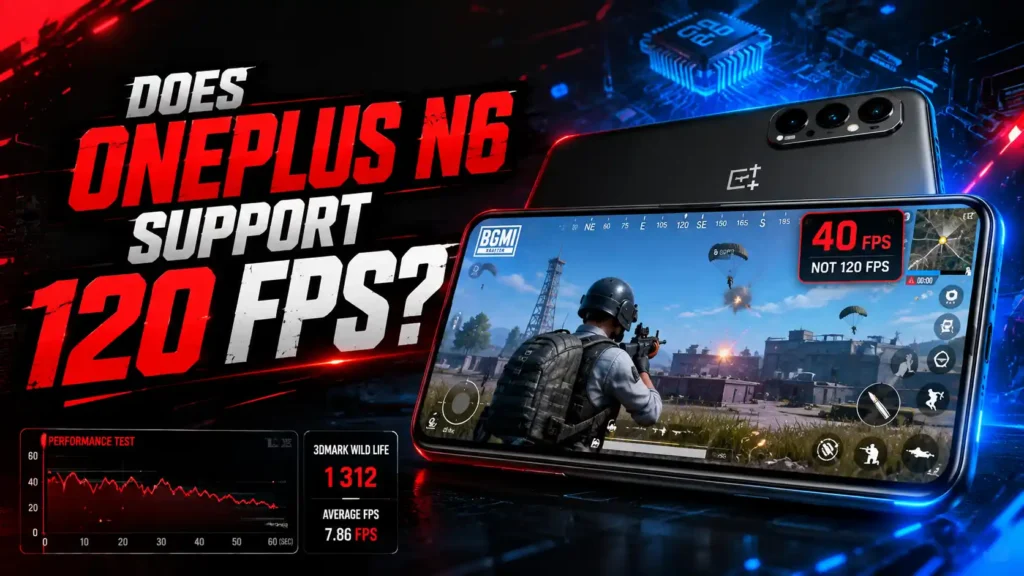
The short answer is no — OnePlus N6 BGMI FPS performance does not officially reach 120 FPS, despite the phone’s 120Hz screen. It’s important to understand that a game’s maximum frame rate is decided by two things: the chipset’s GPU power, and whether the game developer (Krafton, for BGMI) has whitelisted that specific device for higher frame-rate tiers.
The OnePlus N6 runs on the MediaTek Dimensity 6360 Apex, an entry-level chipset designed for calling, browsing, streaming, and light multitasking — not competitive gaming. As a result:
- BGMI has not been officially enabled for 120 FPS on this device
- Real-world testing shows the phone holding a consistent ~40 FPS on Smooth graphics
- Switching on Pro Gamer mode does not improve performance — in some tests, frame rates dropped as low as 10 FPS
- A 3DMark Wild Life benchmark run returned a score of just 1,312, with an average of 7.86 FPS, confirming the GPU is not built for demanding 3D titles
So while BGMI is playable on the OnePlus N6, it’s a casual, lower-frame-rate experience rather than the smooth 90–120 FPS gameplay you’d expect from a gaming-focused device.
You can also check our full list of 120 FPS supported phones for BGMI if frame rate is your top priority.
OnePlus N6 Specifications
The OnePlus N6 is designed around three priorities: battery life, durability, and a clean software experience — gaming performance takes a back seat.
| Feature | Specification |
|---|---|
| Display | 6.8-inch LCD, HD+ resolution, 120Hz refresh rate, up to 1,200 nits peak brightness |
| Processor | MediaTek Dimensity 6360 Apex |
| RAM | 4GB / 6GB |
| Storage | 128GB |
| Rear Camera | Single rear camera setup |
| Front Camera | Selfie camera for calls and casual photography |
| Battery | 8,000mAh |
| Charging | 45W SUPERVOOC Fast Charging |
| Cooling System | 5,300mm² Vapor Chamber |
| Operating System | Android 16 with OxygenOS 16 |
| Build | MIL-STD-810H certified, IP65 rated |
| Connectivity | Wi-Fi, Bluetooth, USB Type-C |
| Audio | Single speaker setup |
| Security | Side-mounted fingerprint scanner |
Display and Design
The 6.8-inch LCD panel is one of the largest in its segment, and the 120Hz refresh rate makes scrolling, app switching, and UI animations feel noticeably smoother than typical budget phones. However, resolution is capped at HD+, which is a common trade-off at this price point.
Performance Chipset
The Dimensity 6360 Apex prioritizes power efficiency over raw performance. It comfortably handles everyday apps, video calls, and casual games, but struggles with GPU-intensive titles like BGMI, as reflected in its benchmark scores.
Battery and Charging
This is where the OnePlus N6 genuinely stands out. An 8,000mAh battery is significantly larger than most phones in its price bracket, and 45W SUPERVOOC charging ensures quick top-ups between long usage sessions.
Why a 120Hz Display Doesn’t Guarantee 120 FPS
This is one of the most misunderstood aspects of budget gaming phones, and it’s worth explaining clearly.
| Term | What It Actually Means |
|---|---|
| Refresh Rate (Hz) | How many times per second the screen can redraw an image — a hardware/display spec |
| Frame Rate (FPS) | How many frames per second the GPU can render inside a game — depends on chipset power |
| Game FPS Cap | Set by the developer (Krafton) based on official device testing and whitelisting |
A 120Hz panel can only show 120 FPS if the GPU actually produces 120 frames per second and the game allows that device to run at that frame rate. On the OnePlus N6, the Dimensity 6360 Apex’s GPU falls well short of that threshold in BGMI, which is why the frame rate is capped far below the display’s potential. The 120Hz panel still benefits everyday scrolling and UI smoothness — it just doesn’t carry over into BGMI gameplay.
Best BGMI Graphics Settings for OnePlus N6
Since raw performance is limited, the goal with the OnePlus N6 should be stability over visual quality. These settings prioritize consistent frame rates over sharp graphics.
| Setting | Recommended Option |
|---|---|
| Graphics | Smooth |
| Frame Rate | 40 FPS (highest realistically stable option) |
| Style | Classic |
| Anti-Aliasing | Off |
| Shadow Quality | Low |
| Auto-Adjust Graphics | On |
| Brightness | 100%–120% |
| Game Mode | On |
| Pro Gamer Mode | Off (not recommended — see note) |
Note: Unlike most gaming phones, turning on Pro Gamer mode on the OnePlus N6 has shown lower frame rates in testing rather than improving them. It appears the mode isn’t well optimized for this particular chipset, so it’s best left off while playing BGMI.
For the smoothest available experience, stick to Smooth graphics with Classic style, keep background apps closed, and avoid switching to heavier graphics presets like HD or HDR.
OnePlus N6 BGMI FPS & PUBG Mobile
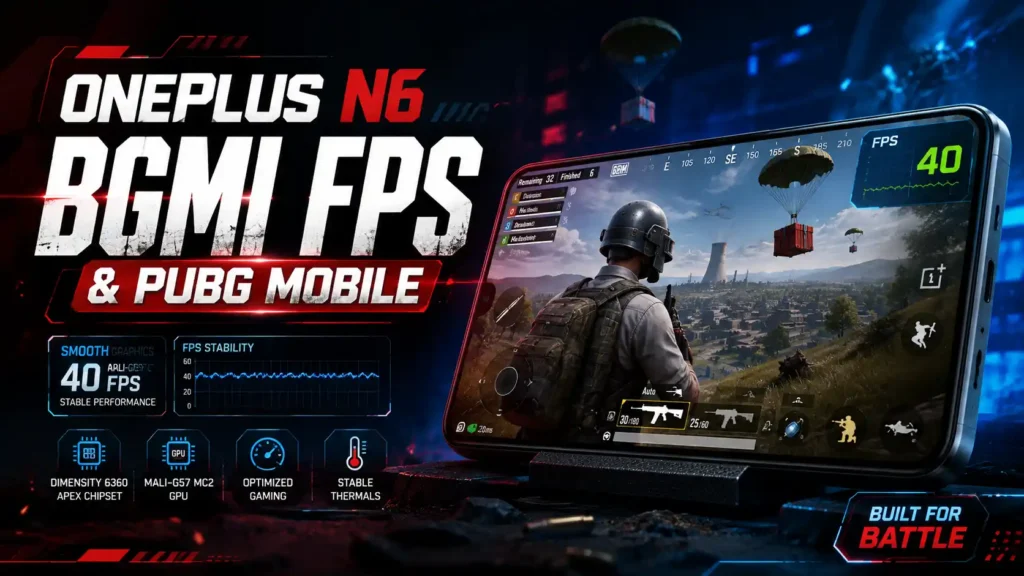
For players specifically searching for BGMI frame rate performance on this device, here’s the breakdown across every available graphics setting, based on hands-on gaming tests.
BGMI FPS Performance by Graphics Setting
| Graphics Setting | Real-World FPS |
|---|---|
| Smooth | ~40 FPS |
| Balanced | 25–30 FPS |
| HD | 20–25 FPS |
| HDR | Not recommended — heavy frame drops |
| Ultra HDR | Not supported smoothly on this hardware |
The pattern is clear: as visual quality increases, frame rate drops sharply, since the Dimensity 6360 Apex’s GPU has very little headroom to spare.
Real-World Gaming Performance
During extended BGMI sessions, the OnePlus N6 maintained a fairly steady frame rate around 40 FPS on Smooth graphics, but a few patterns emerged consistently across reviews:
- Frame drops became more noticeable during large squad fights, vehicle chases, and building-heavy areas
- Touch response remained acceptable for casual play, but wasn’t precise enough for competitive-level aiming and quick-scoping
- Loading into matches and the lobby felt smooth, since these screens are less GPU-intensive than actual gunfights
- Classic mode and slower-paced matches felt noticeably more playable than fast-reflex modes like Team Deathmatch
Verdict: The OnePlus N6 can run BGMI reliably at a casual level, but the OnePlus N6 BGMI FPS ceiling makes it a poor fit for ranked pushes or players chasing high-refresh, competitive-grade smoothness.
OnePlus N6 FPS in Free Fire MAX
If you’re wondering about OnePlus N6 Free Fire FPS, the news is considerably better than BGMI. Free Fire MAX is a lighter, less GPU-demanding title, and the phone handles it with noticeably fewer compromises.
| Setting | Performance |
|---|---|
| Graphics | Ultra |
| OnePlus N6 Free Fire FPS | Up to 60 FPS (fairly stable) |
| Gameplay | Smooth for casual and semi-competitive matches |
| Frame Drops | Occasional during intense close-range fights |
| Recommended Settings | Ultra Graphics + High FPS enabled |
For players who split time between BGMI and Free Fire MAX, the OnePlus N6 is a genuinely comfortable choice for the latter, even if BGMI remains its weaker point.
Gaming Performance Test
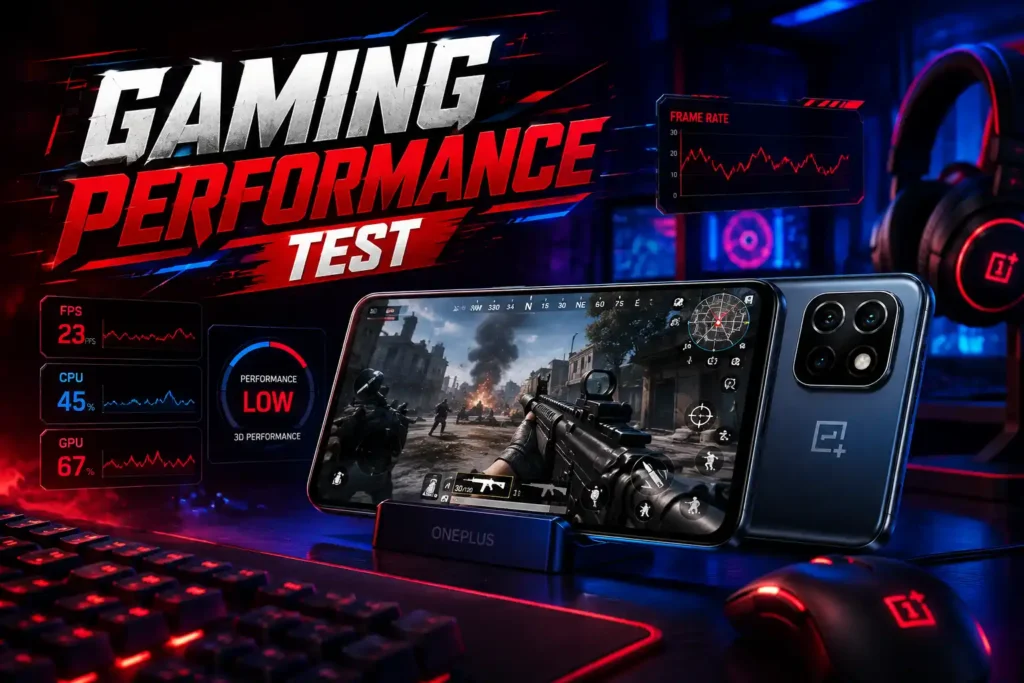
Beyond BGMI and Free Fire specifically, the OnePlus N6’s overall gaming capability paints a consistent picture: it’s a phone tuned for casual mobile gaming, not sustained high-FPS sessions.
- 3DMark Wild Life results were among the lowest recorded for a 2026 launch — a score of 1,312 with an average of 7.86 FPS reflects genuinely limited 3D graphics capability
- Lighter, less demanding titles like Subway Surfers and other casual games run smoothly without any noticeable lag
- Heavier titles such as BGMI and Call of Duty: Mobile run, but with visible stutters and compromised visual fidelity even at the lowest settings
- Enabling Pro Gamer mode did not improve results in reviewer testing — a somewhat unusual outcome, since most phones see at least a marginal FPS boost from dedicated gaming modes
In short, the OnePlus N6 is best suited to light, casual gaming rather than anything demanding sustained high frame rates.
If you’re waiting for higher frame rate support, read our PUBG Mobile / BGMI 165 FPS Release Date guide for the latest rollout information.
Heating and Battery Performance
Heating
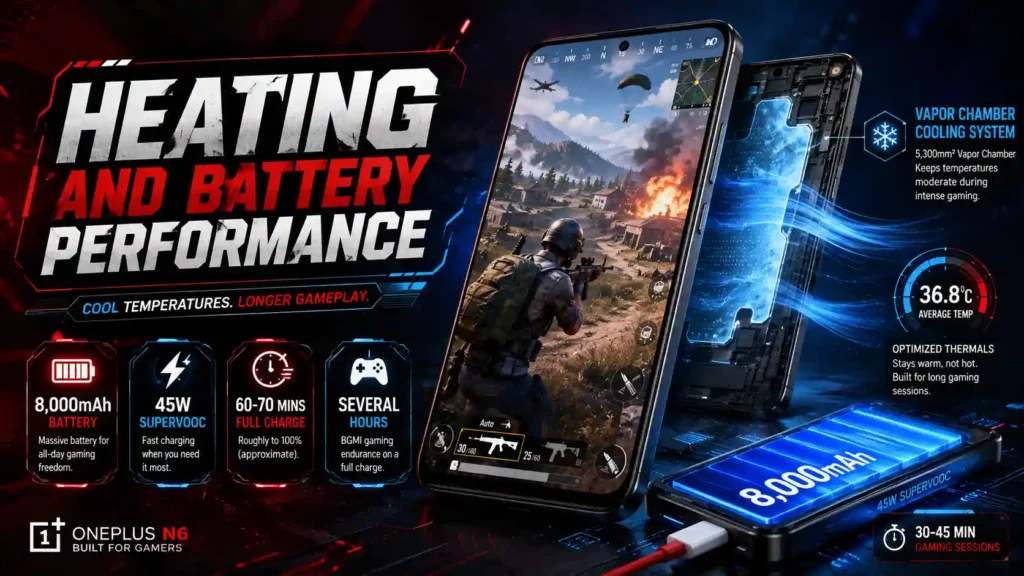
Because the phone’s GPU workload during BGMI stays relatively light (running at lower FPS rather than pushing for 90+ FPS), thermal throttling isn’t a major concern. The 5,300mm² vapor chamber helps keep temperatures in check during 30–45 minute sessions, and the phone stays warm rather than genuinely hot under normal gaming conditions.
Battery
This is where the OnePlus N6 earns real credit. The 8,000mAh battery is among the largest in its price segment, and combined with the phone’s lower gaming frame rates (which draw less power than a device pushing 90-120 FPS), it delivers strong endurance.
| Category | Performance |
|---|---|
| Battery Capacity | 8,000mAh |
| BGMI Gaming Endurance | Several hours per full charge |
| Charging Speed | 45W SUPERVOOC |
| Full Charge Time | Roughly 60–70 minutes (approximate) |
| Heat Management | Vapor chamber keeps temperatures moderate during gaming |
If all-day battery life matters more to you than raw gaming performance, this is one of the clearest strengths of the OnePlus N6.
OnePlus N6 vs OnePlus Nord 6 BGMI FPS
Many buyers cross-shop the N6 against its more powerful sibling before deciding. Here’s a direct comparison focused specifically on gaming:
| Feature | OnePlus N6 | OnePlus Nord 6 |
|---|---|---|
| Processor | Dimensity 6360 Apex | Snapdragon 8s Gen 4 |
| BGMI FPS Support | ~40 FPS (unofficial, real-world) | Up to 165 FPS (officially supported) |
| Display Type | 120Hz LCD | 120Hz+ AMOLED |
| Cooling | 5,300mm² Vapor Chamber | Larger dedicated gaming cooling system |
| Battery | 8,000mAh | 7,500–9,000mAh (variant dependent) |
| Target Audience | Battery life, everyday users | Dedicated mobile gamers |
| Price Segment | ₹15,000–₹20,000 | Under ₹35,000 |
If BGMI frame rate is a dealbreaker for you, the Nord 6 is the far better option within the same brand lineup — it’s simply built with gaming as a priority, not an afterthought.
OnePlus N6 Price and Availability
| Detail | Information |
|---|---|
| India Launch Date | June 30, 2026 |
| Sale Start Date | July 4, 2026 |
| Price Segment | ₹15,000 – ₹20,000 |
| Availability | Amazon India, OnePlus Online Store |
| Variants | 4GB/128GB, 6GB/128GB |
Who Should (and Shouldn’t) Buy OnePlus N6 for BGMI
Good Fit If You:
- Want a phone primarily for calls, social media, and everyday use, with occasional casual gaming
- Value battery life and fast charging above raw gaming performance
- Play mostly Free Fire MAX or lighter titles rather than BGMI
- Prefer a clean, bloat-free OxygenOS 16 experience
- Play BGMI casually in Classic mode rather than competitively
Not a Good Fit If You:
- Want smooth 90 FPS or 120 FPS BGMI gameplay
- Play competitively or in fast-paced modes like Team Deathmatch
- Expect the 120Hz display to translate directly into high in-game frame rates
- Are choosing primarily based on gaming benchmarks
Looking for more BGMI and PUBG Mobile news? Visit our Esports Updates section for the latest game updates, collaborations, and tournament coverage.
OnePlus N6 Pros and Cons
Pros
- Massive 8,000mAh battery built for all-day use and long gaming sessions
- 45W SUPERVOOC fast charging minimizes downtime
- Clean, smooth OxygenOS 16 software experience
- 120Hz display improves everyday UI fluidity
- MIL-STD-810H durability certification and IP65 rating
- Comfortable performance in lighter titles like Free Fire MAX
Cons
- Does not officially support 120 FPS in BGMI
- Real-world OnePlus N6 BGMI FPS caps around 40 FPS on Smooth graphics
- Pro Gamer mode can worsen frame rates rather than improve them
- Weak 3DMark Wild Life score (1,312) reflects limited GPU headroom
- Not suited for competitive or high-refresh BGMI gameplay
- Single rear camera and HD+ resolution are modest for the segment
FAQs
Does OnePlus N6 officially support 120 FPS in BGMI?
No. Despite the 120Hz display, the OnePlus N6 does not officially support 120 FPS in BGMI. Real-world tests show the device performing at around 40 FPS on Smooth graphics settings.
What is the real OnePlus N6 BGMI FPS in everyday gameplay?
Independent testing shows the OnePlus N6 holding a fairly consistent 40 FPS on Smooth graphics, with frame drops during intense squad fights and heavier scenes.
Why doesn’t the 120Hz display improve BGMI performance?
Because refresh rate (Hz) is a display specification, while frame rate (FPS) in a game depends on GPU power and official game-developer support. The Dimensity 6360 Apex’s GPU can’t generate enough frames to use the full 120Hz panel in BGMI.
What are the best BGMI graphics settings for OnePlus N6?
Smooth graphics, Classic style, Anti-Aliasing off, Shadow Quality on Low, and Auto-Adjust Graphics turned on together deliver the most stable frame rate on this hardware.
Does Pro Gamer mode help BGMI FPS on OnePlus N6?
No. Testing showed Pro Gamer mode can actually reduce frame rates on the OnePlus N6, with drops as low as 10 FPS recorded in some sessions. It’s recommended to leave it off while playing BGMI.
What is the OnePlus N6 Free Fire MAX FPS?
The OnePlus N6 performs noticeably better in Free Fire MAX than in BGMI, reaching up to 60 FPS on Ultra graphics since Free Fire is a lighter, less GPU-intensive title.
Is OnePlus N6 better than OnePlus Nord 6 for BGMI?
No. The OnePlus Nord 6 uses a Snapdragon 8s Gen 4 chipset and officially supports up to 165 FPS in BGMI, making it a significantly better choice for gaming than the N6.
Does the OnePlus N6 overheat while playing BGMI?
Not significantly. Since the phone’s GPU workload stays relatively light at lower frame rates, and the 5,300mm² vapor chamber helps manage heat, the device stays warm rather than genuinely hot during typical 30–45 minute sessions.
How long does the OnePlus N6 battery last while playing BGMI?
Thanks to its 8,000mAh battery, the OnePlus N6 offers several hours of continuous BGMI gameplay on a single charge, and 45W SUPERVOOC charging helps minimize downtime between sessions.
Is OnePlus N6 a good phone for BGMI overall?
It’s an average choice for casual BGMI players who prioritize battery life, durability, and everyday usability over gaming performance. Competitive or high-FPS players should consider gaming-focused alternatives like the OnePlus Nord 6.
Conclusion
The OnePlus N6 is a strong option if what you actually want is a massive 8,000mAh battery, fast 45W charging, and a clean OxygenOS 16 experience in the ₹15,000–₹20,000 segment — but it is not built as a gaming phone, and its 120Hz display shouldn’t be mistaken for gaming-grade performance. In practice, OnePlus N6 BGMI FPS caps around 40 FPS due to the entry-level Dimensity 6360 Apex chipset, while Free Fire MAX runs noticeably smoother thanks to its lighter GPU demands. If BGMI performance genuinely matters to you, phones like the OnePlus Nord 6 — with official support for up to 165 FPS — are the far better pick in a similar price bracket. For everyone else who just wants a reliable, long-lasting phone with occasional casual gaming, the OnePlus N6 still holds up well.