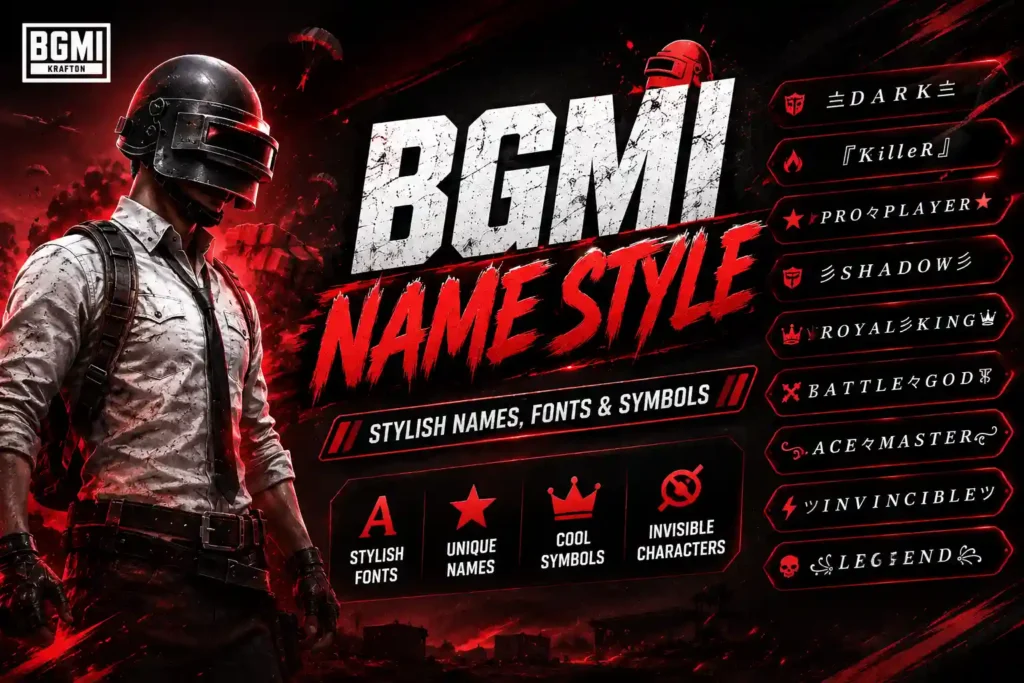
BGMI name style refers to using stylish fonts, unique symbols, and creative characters to make your in-game name stand out. In this guide, you’ll find 600+ stylish BGMI names for boys and girls, along with cool symbols, fonts, invisible characters, and name ideas that you can copy and use for your BGMI profile.
Table of Contents
BGMI Font
A BGMI font is a Unicode-based text style that changes how your in-game name looks. Instead of using a normal name such as Shadow, you can copy different Unicode styles and use them to create a distinctive BGMI name. Instead of using a plain name like ROHIT, you can create variations such as 亗Rᴏʜɪᴛ亗, ꧁༒ROHIT༒꧂, or 『ROHIT』.
| Normal | BGMI Font Style |
|---|---|
| Shadow | Sʜᴀᴅᴏᴡ |
| Shadow | 𝕾𝖍𝖆𝖉𝖔𝖜 |
| Shadow | 𝒮𝒽𝒶𝒹𝑜𝓌 |
| Shadow | 𝙎𝙝𝙖𝙙𝙤𝙬 |
| Shadow | 𝚂𝚑𝚊𝚍𝚘𝚠 |
Copy your favorite font style and combine it with symbols to create a stylish BGMI name.
Why Use a Stylish BGMI Name?
Players commonly use stylish names to:
- Make their profile stand out.
- Create a unique gaming identity.
- Match their clan or squad theme.
- Use cool symbols and decorative fonts.
- Create memorable names for streaming or competitive gaming.
Copy and Paste Stylish Names
The easiest way to create a stylish BGMI name is to copy a ready-made name and paste it into the game’s rename field. However, not every Unicode character or font is guaranteed to display correctly on every device or version of the game.
For this reason, test your preferred name before confirming the change, especially if it contains uncommon symbols or decorative characters.
Tip: Keep your BGMI name readable. A simple combination of a stylish font and a few symbols often looks better than adding too many special characters.
Want to play BGMI with a keyboard and mouse? Check out our complete guide to BGMI on PC for emulator setup, controls, system requirements, and FPS optimization.
BGMI Name Font Style
Looking for a BGMI name font style that you can copy and use? Choose from small-capital, bold, cursive, decorative, and symbol-based styles below. You can combine these fonts with special characters to create a unique BGMI nickname.
Search, choose your favorite BGMI name, and copy it instantly.
Krafton is expected to introduce several new features in the upcoming BGMI 4.6 update, including new collaborations, gameplay changes, and Metro Royale improvements.
BGMI Name Style for Boys
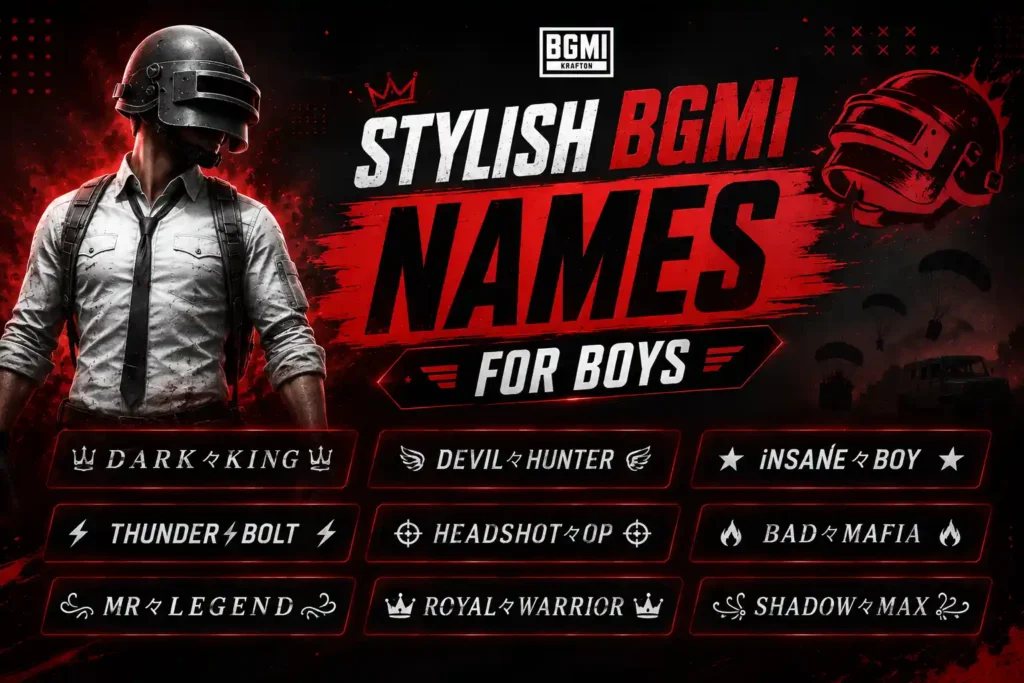
If you're looking for a stylish BGMI name for boys, you can combine cool fonts, symbols, and short words to create a unique in-game identity. Here are copy-friendly ideas grouped by popular styles.
Attitude BGMI Names for Boys
Stylish BGMI Names for Boys
Royal BGMI Names
Killer BGMI Names
Cool BGMI Names for Boys
Unique BGMI Names for Boys
Short BGMI Names for Boys
If you want to improve your recoil control and gyro aiming, check out our guide to Jonathan Gaming sensitivity for his latest BGMI settings and sensitivity code.
Stylish BGMI Names for Girls
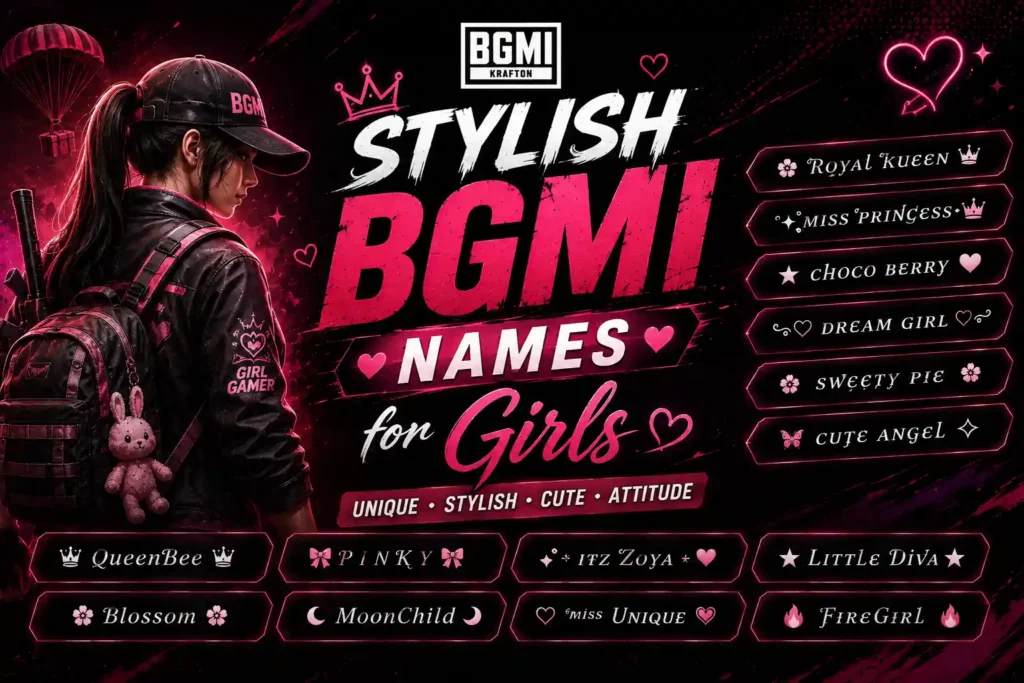
Looking for a stylish BGMI name for girls? You can create a unique in-game identity by combining elegant fonts, cute symbols, crowns, hearts, and decorative characters. Here are copy-friendly BGMI name ideas grouped by different styles.
Cute BGMI Names for Girls
Stylish Girl BGMI Names
Attitude BGMI Names for Girls
Royal Queen Names
Killer Girl BGMI Names
Unique BGMI Names for Girls
Short Stylish Girl Names
PUBG Console experience improvements
BGMI Name Symbols Copy
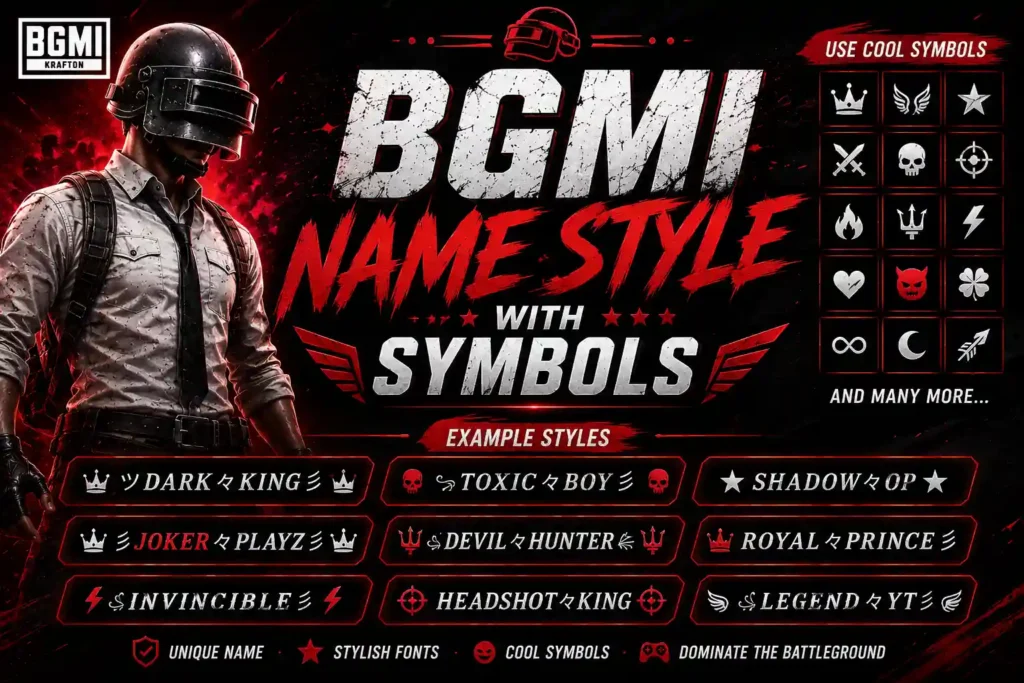
Adding symbols is one of the easiest ways to make a BGMI name stylish and unique. You can place symbols at the beginning, between words, or at the end of your name to create different designs.
For example, a simple name like Rohan can become:
Popular BGMI Symbols
You can copy these symbols and combine them with your preferred name.
Crown & Royal Symbols
Perfect for creating king, queen, prince, or royal-style names.
Examples
Fire & Power Symbols
Use these for aggressive or powerful BGMI names.
Examples
Star Symbols
Stars work well with short names and simple fonts.
Examples
Bracket & Decorative Symbols
These can make a name look more structured and professional.
Examples
How to Create Your Own BGMI Name Style
You don't need to copy an entire name. You can create your own combination using this simple formula:
For example:
Result:
You can also combine different symbols:
Important Tip
Not every Unicode symbol is guaranteed to display correctly in BGMI on every device or game version. Before confirming a new name, paste it into the rename field and check how it appears. Avoid using too many complicated characters if you want your name to remain easy to read.
If you want to know when this feature may arrive, check our guide on the BGMI 165 FPS release date and supported devices.
Stylish Fonts for BGMI Names
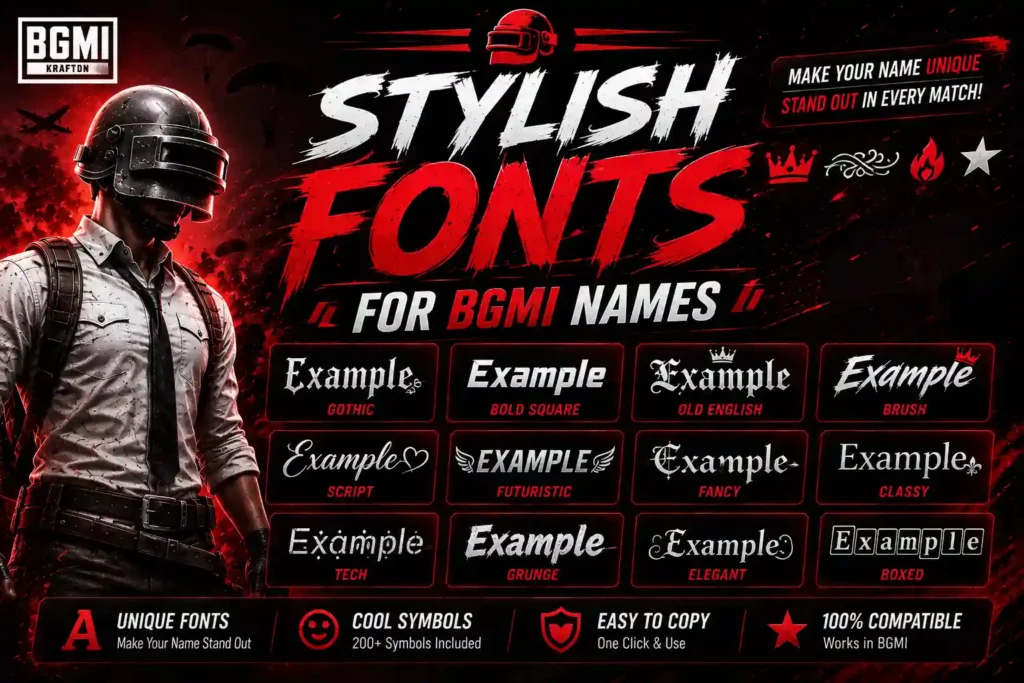
Using stylish fonts is a simple way to make your
BGMI name look more distinctive. Instead of using
plain text such as Shadow, you can use Unicode-based
characters to create different visual styles that can be copied
and pasted into your BGMI profile.
Bold Stylish Fonts
Italic Stylish Fonts
Bold Italic Fonts
Gothic Style Fonts
Double-Struck Fonts
Cursive Style Fonts
Small Capital Style
This style is particularly useful for BGMI because it remains relatively compact while giving a normal name a different appearance.
Stylish Font Combinations for BGMI
You can also combine fonts with symbols to create a more distinctive IGN.
Normal vs Stylish BGMI Names
| Normal Name | Stylish Version | Copy |
|---|---|---|
| Shadow | Sʜᴀᴅᴏᴡ | |
| Devil | 𝕯𝖊𝖛𝖎𝖑 | |
| King | 𝙆𝙞𝙣𝙜 | |
| Pro | ℙ𝕣𝕠 | |
| Legend | 𝓛𝓮𝓰𝓮𝓷𝓭 | |
| Ghost | Gʜᴏsᴛ |
How to Use Stylish Fonts in BGMI
- Choose a font style you like.
- Replace the example word with your own name.
- Copy the complete stylish name.
- Open BGMI and go to your profile.
- Select the rename option.
- Paste the name into the required field.
- Check that all characters display correctly before confirming.
Note
These are Unicode characters rather than traditional installed fonts. Some characters may display differently or may not be supported by every device or game version. Always test the name before using a Rename Card.
For a faster way to create variations, you can also use a BGMI name generator to convert a normal name into multiple stylish formats.
BGMI Invisible Name / Invisible Character
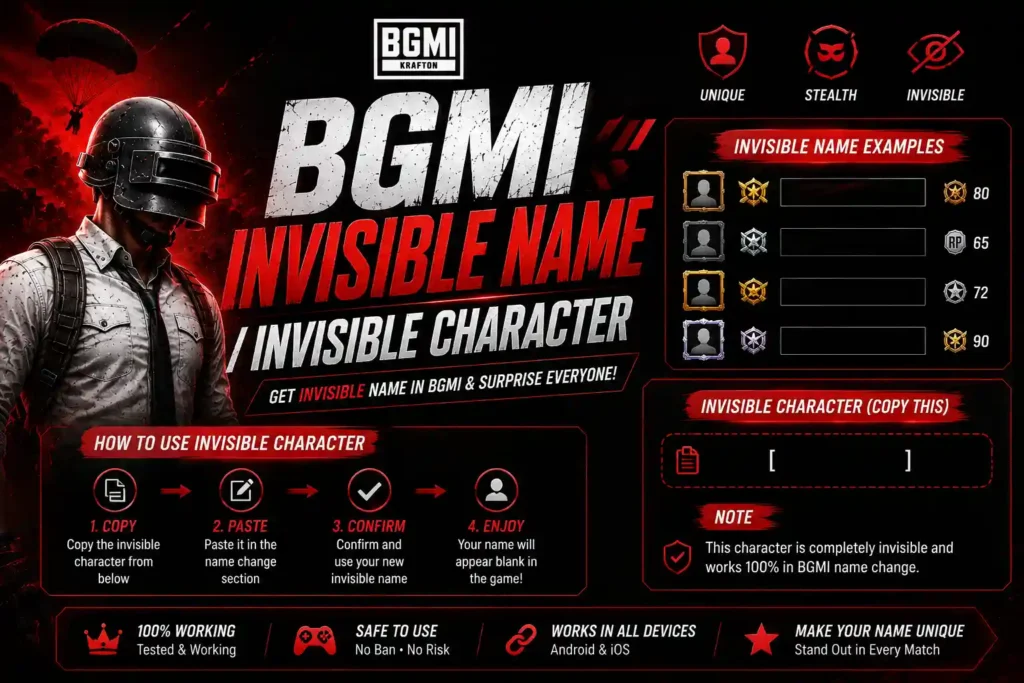
An invisible character is a Unicode character that appears blank but can sometimes be entered into a game's name field. BGMI players commonly use invisible characters to create names with unusual spacing or minimalist-looking usernames.
Because support for special Unicode characters can change between game versions and devices, an invisible character may not always work in BGMI.
Copy Invisible Character for BGMI
Copy the character inside the brackets below:
How to Use an Invisible Character in BGMI
- Copy the invisible character above.
- Open BGMI.
- Go to your Profile.
- Select the option to change your name.
- Paste the invisible character into the name field.
- Add your preferred name or symbols if required.
- Check the preview before confirming the change.
Invisible Character Name Ideas
You can combine an invisible character with symbols and stylish text.
Why Is My Invisible Character Not Working?
If BGMI doesn't accept the character, possible reasons include:
- The character isn't supported by your current BGMI version.
- The game may reject blank-looking names.
- The character may be removed when pasted.
- Your device or keyboard may handle the Unicode character differently.
- The name may violate the game's current naming requirements.
If it doesn't work, try a stylish name with visible Unicode characters and symbols instead.
How to Change Your BGMI Name
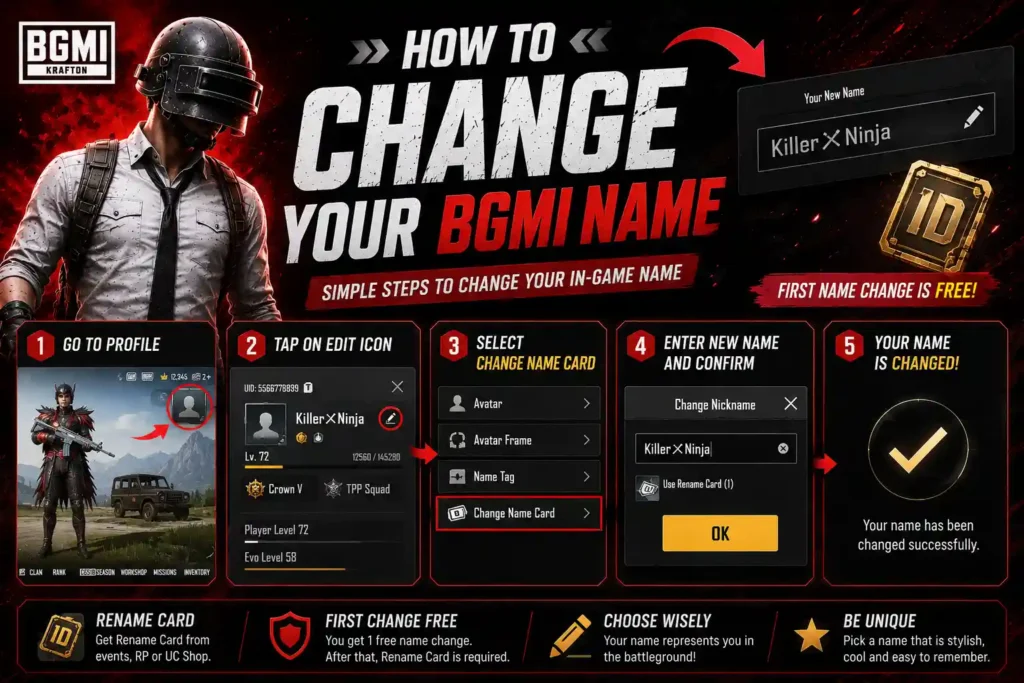
Changing your BGMI name is straightforward, but you'll need a Rename Card if your account requires one. You can use a normal name or paste a stylish name with fonts and symbols from the lists above.
Steps to Change Your BGMI Name
- Open BGMI on your Android or iOS device.
- Go to your Profile by tapping your avatar in the top-left corner.
- Open your Inventory.
- Find the Rename Card under the relevant items section.
- Tap Use on the Rename Card.
- Enter your new BGMI name in the name field.
- Paste your stylish name, symbols, or invisible character if you want to use one.
- Check the name carefully for spelling and character compatibility.
- Tap OK/Confirm to save your new name.
Example
Suppose your current name is:
ROHITYou can transform it into:
亗Rᴏʜɪᴛ亗or:
꧁༒Rᴏʜɪᴛ༒꧂or:
『Rᴏʜɪᴛ』Things to Check Before Changing Your Name
- Make sure the spelling is correct.
- Test special symbols before confirming.
- Check that the complete name fits BGMI's current naming requirements.
- Avoid offensive or inappropriate names.
- Remember that a Rename Card may be consumed when the name is changed.
Tip: If you don't want to waste a Rename Card, prepare your complete stylish name first, copy it, and then paste it into BGMI when you're ready to confirm the change.
How to Get a BGMI Rename Card
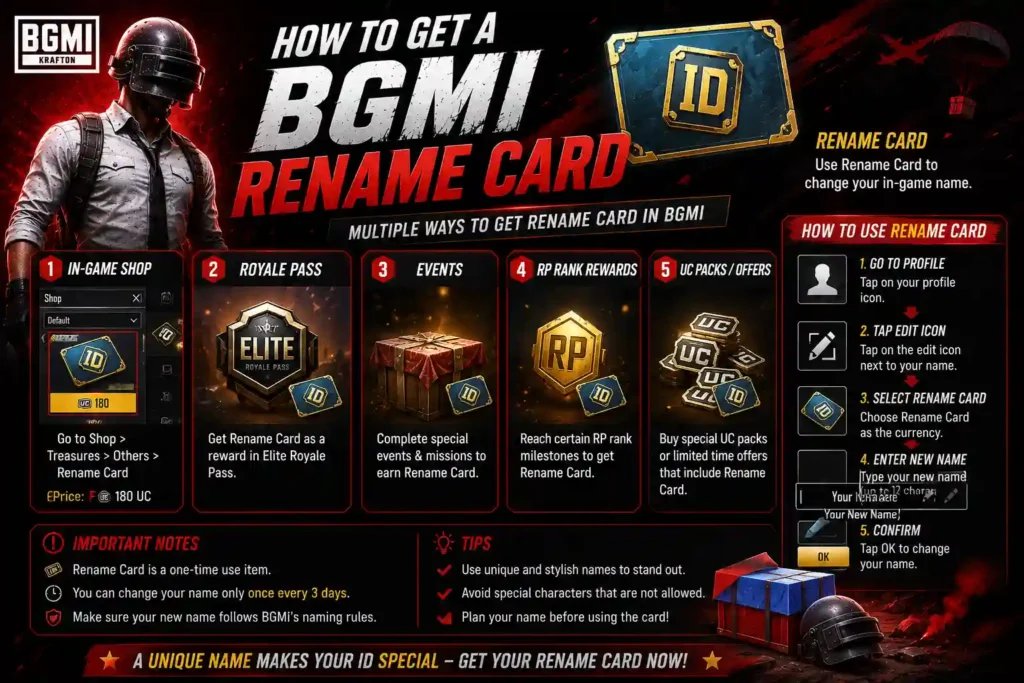
A BGMI Rename Card is required when you want to change your in-game username. If you're planning to use one of the stylish names, fonts, or symbols from this guide, make sure you have a Rename Card available before changing your profile name.
Where Can You Get a BGMI Rename Card?
The availability and acquisition method for Rename Cards can change with BGMI updates and events. Depending on the current version of the game, players may find Rename Cards through:
- In-game events and rewards
- Missions or progression rewards
- The BGMI Shop, when available
- Special events or limited-time offers
How to Use a Rename Card
Once you have a Rename Card:
- Open BGMI.
- Go to your Profile.
- Open your Inventory.
- Locate the Rename Card.
- Tap Use.
- Enter or paste your new BGMI name.
- Check the name carefully.
- Confirm the change.
Before Using Your Rename Card
Prepare your complete name first. This is particularly important when using Unicode fonts, symbols, or invisible characters, because some characters may not display correctly.
For example:
Normal:   Rohan
Stylish:  亗Rᴏʜᴀɴ亗
Tip: Don't assume every website claiming to provide "free BGMI Rename Cards" is legitimate. Avoid entering your BGMI login details on unofficial websites and use only legitimate in-game rewards or purchase methods.
Important: BGMI's available events, rewards, and shop offers can change over time, so check the current in-game options rather than relying on an outdated method.
Font Style for BGMI
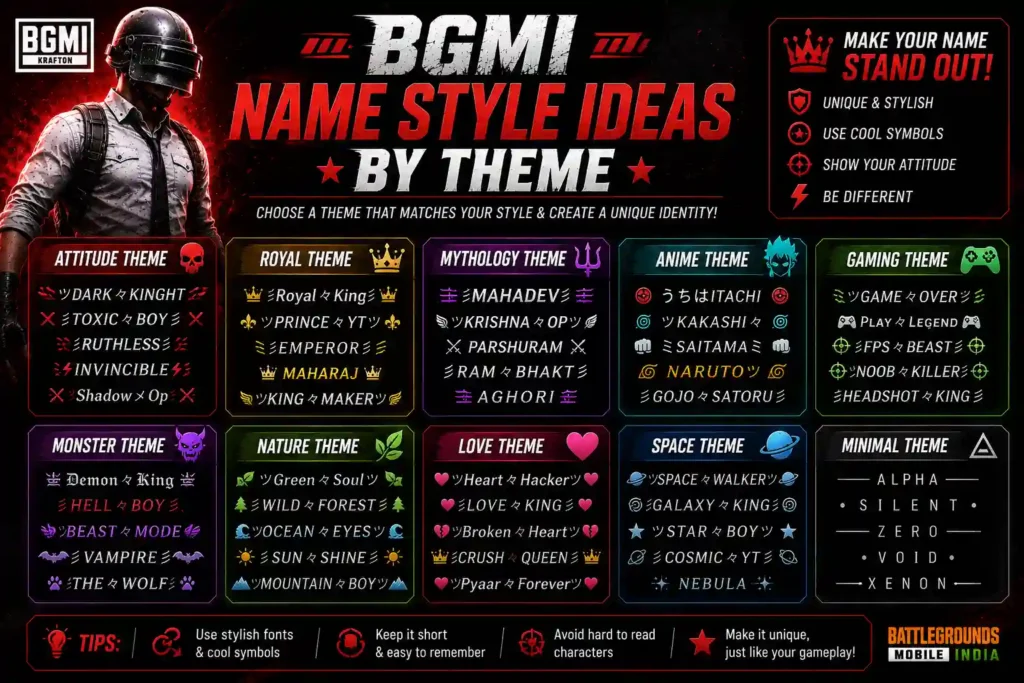
Choosing a name based on a specific theme can make your BGMI profile more recognizable. Whether you like anime, gaming, royalty, mythology, or aggressive names, these themed ideas can help you create a unique IGN.
Anime BGMI Names
Gaming BGMI Names
Royal BGMI Names
Ninja & Samurai Names
Hacker-Style Names
Dragon-Themed Names
Mythology-Inspired Names
One-Word Themed Names
Clan-Style Names
If you're creating names for an entire squad, use a common prefix or suffix so every player has the same identity.
You can replace SAG with your own clan tag.
If you're looking for a device capable of handling future high-frame-rate gaming, check out our guide to the best gaming phones for BGMI 165 FPS.
BGMI Stylish Name Generator
Enter your name and create stylish BGMI names instantly.
A BGMI Name Style Generator helps you turn a normal username into multiple stylish versions using decorative fonts, symbols, and special characters. Instead of creating each variation manually, you can enter your name once and choose from different styles.
For example, if your name is Rohan, a name generator can create variations such as:
亗Rᴏʜᴀɴ亗
꧁༒Rᴏʜᴀɴ༒꧂
『Rᴏʜᴀɴ』
乂Rᴏʜᴀɴ乂
★Rᴏʜᴀɴ★
𝕽𝖔𝖍𝖆𝖓
𝓡𝓸𝓱𝓪𝓷
How to Use a BGMI Name Generator
- Enter your preferred name or nickname.
- Choose a font or style.
- Add symbols if required.
- Browse the generated variations.
- Copy your favorite BGMI name.
- Paste it into BGMI when changing your username.
What Can You Generate?
A good BGMI name generator can create different styles, including:
- Stylish names
- Pro player names
- Attitude names
- Royal names
- Cute names
- Killer names
- Gaming names
- Short names
- Symbol-based names
- Unicode font styles
Example: Create Your Own BGMI Name
Input:
ShadowGenerated styles:
亗Sʜᴀᴅᴏᴡ亗
꧁༒Sʜᴀᴅᴏᴡ༒꧂
『Sʜᴀᴅᴏᴡ』
乂Sʜᴀᴅᴏᴡ乂
★Sʜᴀᴅᴏᴡ★
𝕾𝖍𝖆𝖉𝖔𝖜
𝓢𝓱𝓪𝓭𝓸𝔀
Are All Generated Names Supported by BGMI?
Not necessarily. Stylish names use Unicode characters, and some characters may not display correctly or may not be accepted by BGMI. Always check the generated name in the game's rename field before confirming the change.
Tip: For the best-looking IGN, choose a style that's unique but still readable. Combining one decorative font with a few symbols usually produces a cleaner result than using too many special characters.
SEO opportunity: If you're planning to build an actual generator tool on Sportsangam, make the generator interactive rather than presenting it as another list of names. This page can then target informational searches for BGMI Name Style, while the tool can target BGMI Name Generator and related long-tail queries.
BGMI Name Style Rules
Before choosing a stylish BGMI name, it's important to make sure the name follows the game's current naming requirements. Stylish fonts and symbols are generally created using Unicode characters, but not every character is guaranteed to be supported or displayed correctly in BGMI.
1. Keep Your Name Within the Allowed Length
BGMI places limits on how long an in-game name can be. If your stylish name is too long, the game may not accept it.
Keep your IGN short and readable, especially when combining multiple symbols with decorative characters.
2. Some Symbols May Not Work
Not every Unicode symbol is supported by every device or game version. A character that looks correct on a website may appear differently in BGMI or may be rejected altogether.
If a symbol doesn't work, try replacing it with a simpler character.
3. Stylish Fonts Are Unicode Characters
Names such as:
Sʜᴀᴅᴏᴡ
𝕾𝖍𝖆𝖉𝖔𝖜
𝓢𝓱𝓪𝓭𝓸𝔀
aren't traditional fonts installed inside BGMI. They use different Unicode characters that create a stylized appearance.
4. Avoid Excessive Symbols
Using too many symbols can make your name difficult to read.
Cleaner:
亗Sʜᴀᴅᴏᴡ亗Overloaded:
꧁༒★亗乂Sʜᴀᴅᴏᴡ乂亗★༒꧂A simple combination of stylish text + one or two symbols usually looks better.
5. Avoid Offensive or Inappropriate Names
Choose a username that follows BGMI's current community and naming rules. Avoid names containing abusive, hateful, sexually explicit, or otherwise inappropriate language.
If BGMI rejects a name, choose another variation rather than trying to bypass the game's restrictions.
6. Check Invisible Characters Carefully
Invisible characters can behave differently depending on the game version and device. A character that works for one player may not work for another.
Always test an invisible character before using a Rename Card.
7. Check Your Name Before Confirming
Before changing your username:
- Copy the complete stylish name.
- Paste it into BGMI's rename field.
- Check whether every character appears correctly.
- Make sure there are no unwanted spaces.
- Confirm the spelling.
- Only then save the new name.
Quick BGMI Name Checklist
| Check | Recommendation |
|---|---|
| Name Length | Keep it short |
| Symbols | Use a few |
| Fonts | Use readable Unicode styles |
| Invisible Characters | Test before using |
| Offensive Words | Avoid |
| Special Characters | Verify compatibility |
| Spelling | Check before confirming |
Tip: There isn't a universal guarantee that every stylish Unicode character will work in BGMI. The safest approach is to test your complete name inside the current version of the game before confirming the change.
Tips for Choosing a Good BGMI Name
A good BGMI name should be unique, easy to remember, and match your gaming personality. Stylish symbols and fonts can make your name stand out, but readability is just as important.
1. Keep It Short and Memorable
Short names are easier for teammates and opponents to remember.
Examples:
亗Aᴄᴇ亗
乂Rᴇx乂
『Nᴏᴠᴀ』
2. Choose a Name That Matches Your Style
Think about the type of identity you want to create:
- Pro:
PʀᴏAᴄᴇ - Attitude:
NᴏFᴇᴀʀ - Royal:
♛Kɪɴɢ♛ - Aggressive:
DᴇᴀᴛʜWᴀʟᴋᴇʀ - Funny:
Lᴏᴏᴛ々Mᴀsᴛᴇʀ
3. Don't Use Too Many Symbols
A few symbols can make a name look stylish, but excessive decoration can make it difficult to read.
Better:
亗Sʜᴀᴅᴏᴡ亗Too complicated:
꧁༒★亗乂Sʜᴀᴅᴏᴡ乂亗★༒꧂4. Make It Easy to Recognize
If you play with a squad or create gaming content, choose a name that people can easily recognize and remember.
Avoid extremely complicated combinations of Unicode characters that make your IGN difficult to read or mention.
5. Use a Consistent Clan Style
If you're part of a clan, consider using a common prefix or suffix.
For example:
亗SAG亗Rᴏʜɪᴛ
亗SAG亗Aᴍᴀɴ
亗SAG亗Rᴀʜᴜʟ
This creates a consistent identity across your squad.
6. Avoid Offensive or Inappropriate Names
Choose a username that follows BGMI's current naming requirements. Avoid offensive, hateful, sexually explicit, or otherwise inappropriate terms.
7. Check Symbols Before Using Them
Some Unicode characters may not display correctly in BGMI. Test your complete name in the rename field before confirming the change.
8. Don't Copy a Famous Player's Name Exactly
You can take inspiration from popular BGMI players, but creating your own variation gives you a more distinctive identity.
For example, instead of copying a player's exact IGN, combine your own name with a similar style:
亗Rᴏʜɪᴛ々Aᴄᴇ亗9. Think Long-Term
If you plan to use BGMI for streaming, YouTube, esports, or social media, choose a name that can work across different platforms.
A memorable name can become part of your overall gaming brand.
Quick Checklist
Before choosing your final BGMI name, ask:
- Is it easy to remember?
- Is it easy to read?
- Does it match my gaming style?
- Are the symbols supported?
- Is it appropriate?
- Can I use the same name on social media?
- Will I still like the name months from now?
Best approach: Use a short name + stylish Unicode + 1–2 symbols. This gives you a distinctive BGMI IGN without sacrificing readability.
FAQ
What is BGMI name style?
BGMI name style means using stylish fonts, symbols, and special characters to create a unique in-game name.
How can I make my BGMI name stylish?
Use a BGMI name generator or copy stylish fonts and symbols from a name-style list.
Can I use symbols in my BGMI name?
Yes, but some Unicode symbols may not be supported. Test the name before confirming it.
How do I change my BGMI name?
Open your profile, use a Rename Card, enter your new name, and confirm the change.
Can I use an invisible character in BGMI?
Some invisible Unicode characters may work, but compatibility can vary by game version and device.
Are stylish BGMI names free?
Yes. Creating or copying a stylish name is free, although changing your in-game name may require a Rename Card.
Which BGMI name style is best?
Choose a short, readable name with a few symbols that matches your gaming personality.
Choosing the right BGMI name style can make your in-game profile more unique and memorable. Whether you prefer a cool, pro, attitude, royal, funny, or simple name, you can combine stylish fonts and a few symbols to create an IGN that fits your personality.
Before changing your name, check that the characters display correctly in BGMI and keep the final name easy to read. You can also use a BGMI Name Generator to create more variations quickly.
Choose a name that looks good, is easy to remember, and represents your gaming identity.