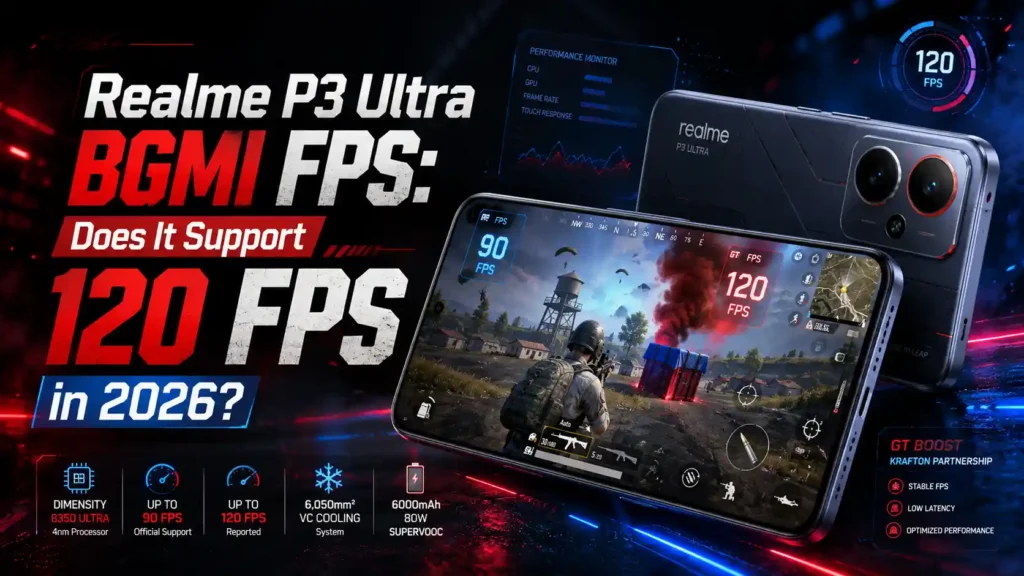
Players searching for Realme P3 Ultra BGMI FPS want a straight answer before they buy: can this phone actually run BGMI at 120 FPS, or is 90 FPS the real ceiling? In this guide, we cover official FPS support, best graphics settings, real-world gaming tests, Free Fire performance, heating, battery drain, and full specifications — everything you need before choosing this phone for competitive gaming.
Table of Contents
Realme P3 Ultra BGMI FPS Support
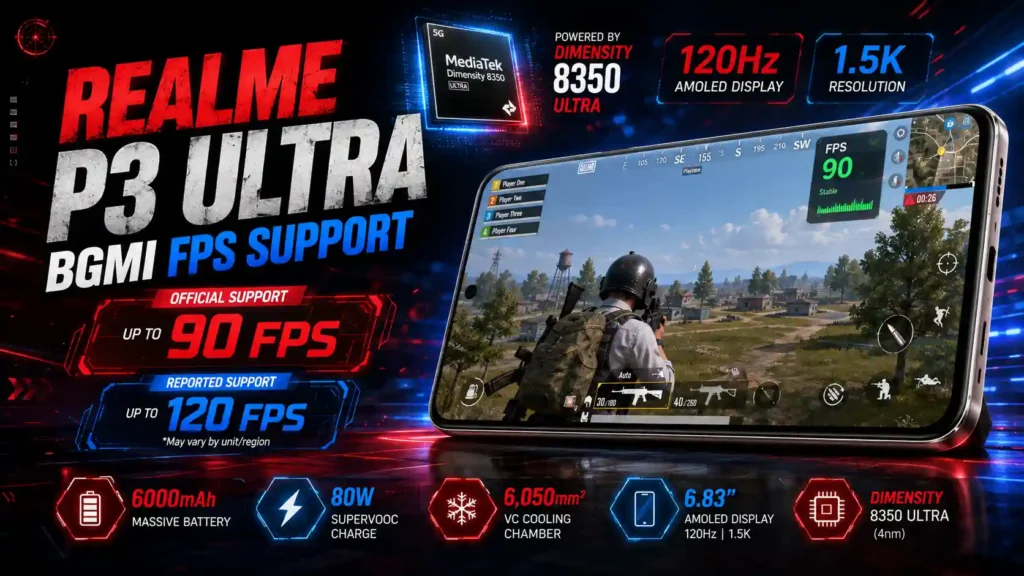
Yes, the Realme P3 Ultra officially supports a stable 90 FPS in BGMI, certified through Realme’s GT Boost partnership with Krafton. 120 FPS (“Ultra Extreme”) is not officially whitelisted for this device as of this update — some players report unlocking it manually through the in-game graphics menu after certain BGMI patches, but this isn’t consistent across all units or regions.
| Feature | Details |
|---|---|
| Processor | MediaTek Dimensity 8350 Ultra (4nm) |
| Display | 6.83″ AMOLED, 120Hz, 1.5K resolution |
| BGMI FPS (Official) | Up to 90 FPS |
| BGMI FPS (Unofficial/Reported) | Up to 120 FPS on select units |
| Free Fire MAX FPS | Up to 90 FPS |
| Battery | 6000mAh, 80W SUPERVOOC |
| Cooling | 6,050mm² VC Chamber |
| Launch Price (India) | ₹26,999 onwards |
You can also see our complete list of 120 FPS supported phones for PUBG Mobile to compare other compatible devices.
Does Realme P3 Ultra Support 120 FPS in BGMI?
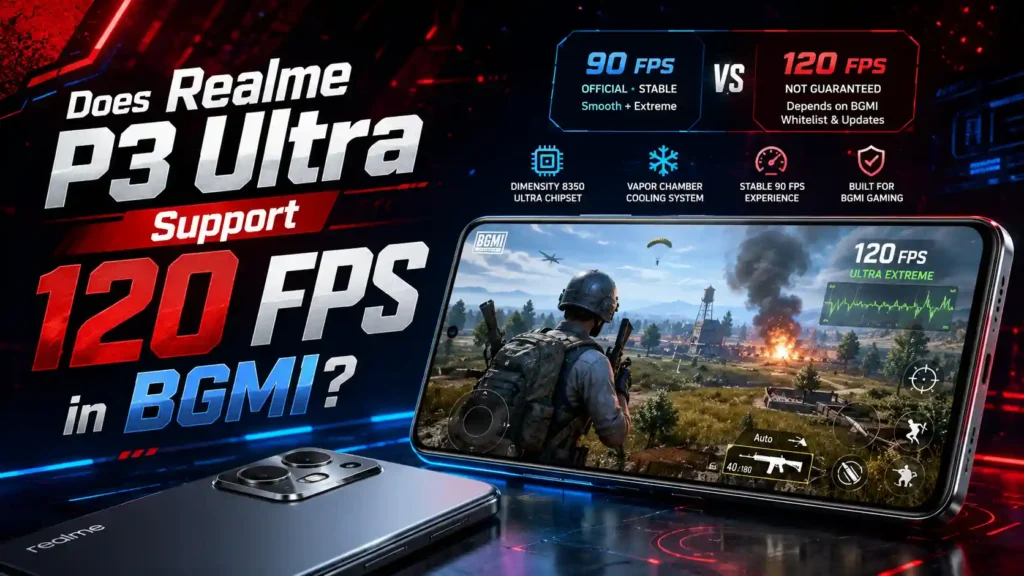
The short answer: not officially, at least not yet. Realme markets the P3 Ultra as a phone that delivers “the most stable 90 FPS gameplay in Battlegrounds Mobile,” built around its Dimensity 8350 Ultra chipset and large vapor chamber cooling.
Like most mid-range gaming phones, 120 FPS in BGMI depends on Krafton’s device whitelist, not just raw hardware power. BGMI’s “Ultra Extreme” 120 FPS mode has expanded to more devices since patch 4.4, but whitelisting is rolled out gradually and isn’t guaranteed for every chipset tier.
Here’s what this means in practice:
- Confirmed and certified: 90 FPS (“Smooth + Extreme”) — this is the official, stable experience Realme advertises.
- Reported by some players: 120 FPS appears in the graphics menu after certain BGMI updates on some P3 Ultra units.
- Not guaranteed: 120 FPS access can vary by BGMI version, region, and server-side rollout — always check your own in-game graphics settings menu rather than assuming.
Tip: To check your actual FPS ceiling, open BGMI → Settings → Graphics, and see which frame rate options appear for your account. Don’t rely on third-party “FPS unlocker” apps — they can trigger anti-cheat flags and don’t reflect real, stable performance.
You can also check our full list of 120 FPS supported phones for BGMI if frame rate is your top priority.
Best BGMI Graphics Settings for Realme P3 Ultra
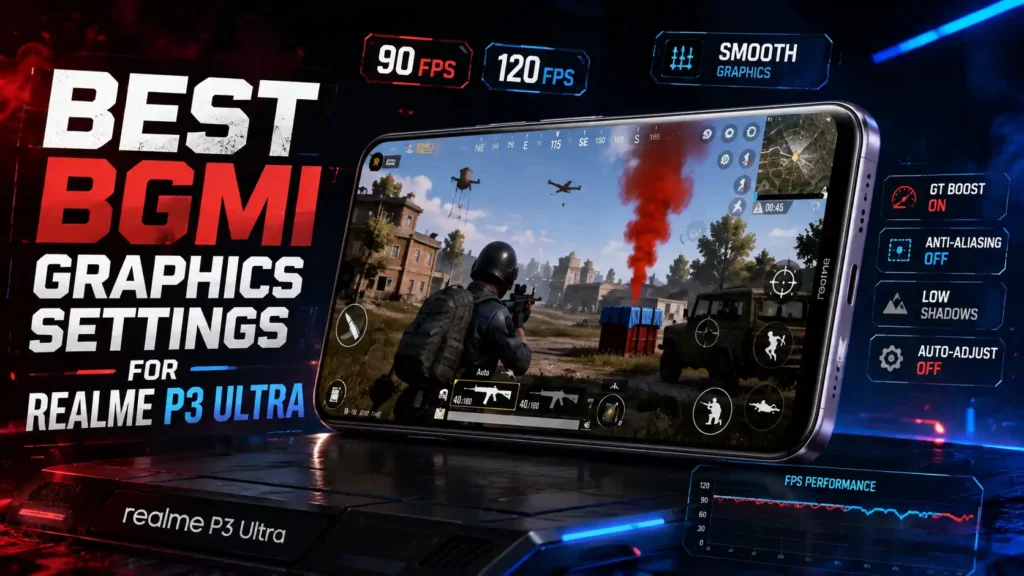
For the smoothest Realme P3 Ultra BGMI FPS experience, competitive players usually prioritize frame rate over visual detail. Here’s the recommended setup:
| Setting | Recommended Option |
|---|---|
| Graphics Quality | Smooth |
| Frame Rate | Extreme (90 FPS) / Ultra Extreme (120 FPS, if available) |
| Style | Colorful or Classic |
| Anti-Aliasing | Disabled |
| Shadow Quality | Low |
| Brightness | 120%–150% |
| Auto-Adjust Graphics | Off |
| GT Boost Mode | On |
Smooth Graphics with the highest unlocked frame rate reduces input delay and keeps aim tracking consistent, which matters more in close-range fights than higher visual fidelity.
Realme P3 Ultra BGMI FPS by Graphics Setting
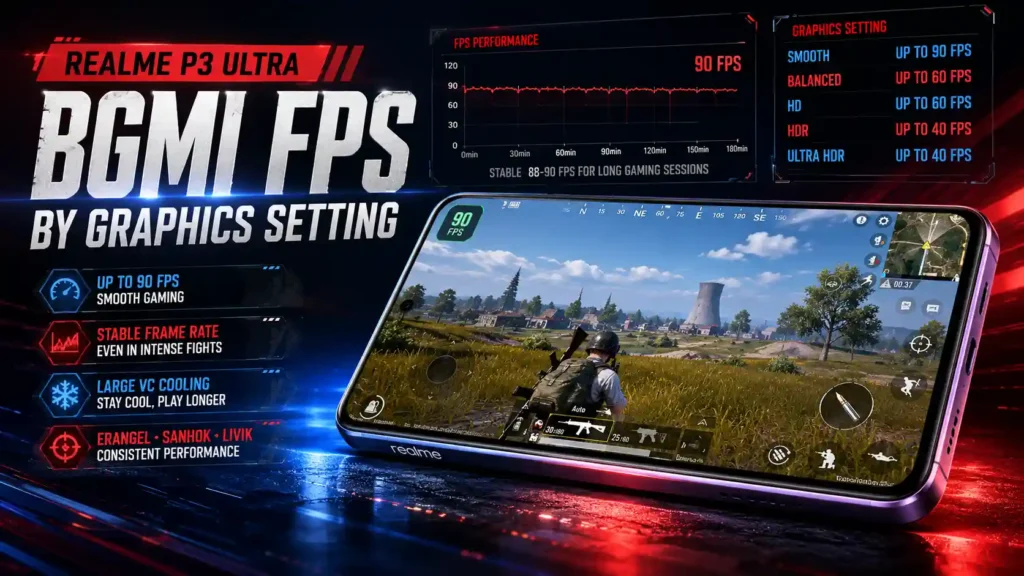
The table below breaks down Realme P3 Ultra BGMI FPS output at every graphics quality level, so you know exactly what to expect before you jump into a ranked match.
| Graphics Setting | Maximum FPS |
|---|---|
| Smooth | Up to 90 FPS (120 FPS on select units) |
| Balanced | Up to 60 FPS |
| HD | Up to 60 FPS |
| HDR | Up to 40 FPS |
| Ultra HDR | Up to 40 FPS |
Note: Actual Realme P3 Ultra BGMI FPS ceiling depends on your BGMI app version and Krafton’s device whitelist status, which can change with future updates.
Real-World BGMI Performance Test
In hands-on gaming tests, Realme P3 Ultra BGMI FPS holds a stable 88–90 FPS across Erangel, Sanhok, and Livik, including in Team Deathmatch lobbies where frame drops are most common. Reviewers note the phone rarely dips below 90 FPS even during hot drops or multi-squad fights, thanks to the combination of the Dimensity 8350 Ultra and the large VC cooling system.
What stands out during real matches:
- Smooth camera panning during 360° turns
- Minimal stutter when multiple smoke grenades render at once
- Consistent frame pacing during long ranked sessions (2–3 hours)
If you’re looking for the best BGMI performance on a Poco smartphone, check out our detailed Poco X7 Pro BGMI FPS guide covering 120 FPS support, gaming performance, and frame-rate settings in 2026.
Realme P3 Ultra FPS in Free Fire MAX
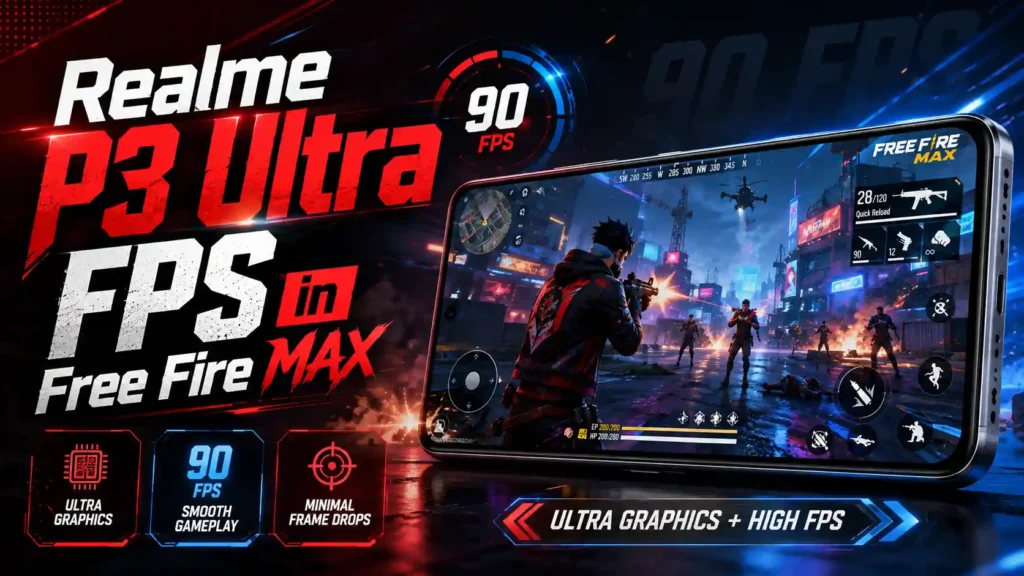
Free Fire MAX players asking about the Realme P3 Ultra Free Fire FPS will find similarly strong results. With Ultra graphics and High FPS mode enabled, the phone runs Free Fire MAX at a smooth up to 90 FPS, with minimal frame drops during Clash Squad fights and full Battle Royale matches.
| Setting | Performance |
|---|---|
| Graphics | Ultra |
| Free Fire MAX FPS | Up to 90 FPS |
| Frame Drops | Minimal during intense fights |
| Recommended Settings | Ultra Graphics + High FPS |
Realme P3 Ultra vs Other Phones — BGMI FPS Comparison
To put Realme P3 Ultra BGMI FPS performance in context, here’s how it stacks up against similarly priced gaming phones:
| Phone | Chipset | BGMI FPS (Official) | Price (India) |
|---|---|---|---|
| Realme P3 Ultra | Dimensity 8350 Ultra | Up to 90 FPS | ₹26,999 |
| Infinix GT 20 Pro | Dimensity 8200 Ultimate | Up to 90 FPS | ₹22,999 |
| iQOO Z9 5G | Snapdragon 7 Gen 3 | Up to 90 FPS | ₹24,999 |
| Poco X6 Pro | Dimensity 8300 Ultra | Up to 90 FPS | ₹25,999 |
Across this price segment, 90 FPS is the realistic, consistent ceiling for BGMI right now — the Realme P3 Ultra’s advantage over rivals comes from sustaining that frame rate longer without throttling, rather than unlocking a higher number outright.
GT Boost & Krafton Partnership Explained
Realme built the P3 Ultra with a dedicated GT Boost engine, developed in partnership with Krafton specifically to optimize Realme P3 Ultra BGMI FPS performance. This isn’t just marketing — GT Boost actively manages:
- Frame rate stability during graphics-intensive scenes
- Touch response and tap-to-fire latency
- CPU/GPU load balancing to reduce thermal throttling mid-match
During extended ranked sessions, testers found GT Boost kept FPS locked closer to 90 even in demanding situations like Pochinki hot drops or late-game circles with heavy visual effects.
Heating and Battery Performance During BGMI
Heat and battery drain are the two biggest concerns affecting Realme P3 Ultra BGMI FPS stability during long sessions, and the phone handles both reasonably well thanks to its 6,050mm² vapor chamber cooling system — one of the largest in this price segment.
| Metric | Result |
|---|---|
| Peak temperature (1 hr BGMI) | ~40°C |
| Battery drain (1 hr BGMI) | ~12% |
| Estimated gaming time on full charge | 6–7 hours |
| Charging time (0–100%) | ~47 minutes (80W SUPERVOOC) |
The phone stays comfortable to hold during 60–90 minute sessions, and the 6000mAh battery combined with fast 80W charging means minimal downtime between matches.
If you’re waiting for higher frame rate support, read our PUBG Mobile / BGMI 165 FPS Release Date guide for the latest rollout information.
How to Try Enabling 120 FPS in BGMI
If you want to test the current Realme P3 Ultra BGMI FPS ceiling on your own device, follow these steps:
| Step | Action |
|---|---|
| 1 | Update BGMI to the latest available version from the Play Store |
| 2 | Update your phone’s software (Realme UI/Android) to the latest build |
| 3 | Open BGMI → Settings → Graphics |
| 4 | Check if “Ultra Extreme” or 120 FPS appears as an option |
| 5 | If unavailable, select the highest FPS shown (usually Extreme/90 FPS) |
| 6 | Avoid third-party FPS unlocker tools — they risk account bans |
If 120 FPS doesn’t appear, it simply means Krafton hasn’t whitelisted your specific device/region combination yet — this can change with future BGMI updates.
Realme P3 Ultra Full Specifications

| Feature | Specification |
|---|---|
| Display | 6.83″ AMOLED, 1272×2800, 120Hz, 1500 nits peak |
| Processor | MediaTek Dimensity 8350 Ultra (4nm) |
| GPU | Mali-G615 MC6 |
| RAM | 8GB / 12GB LPDDR5X |
| Storage | 128GB / 256GB / 512GB UFS 3.1 |
| Rear Camera | 50MP (Sony IMX896, OIS) + 8MP Ultra-wide |
| Front Camera | 16MP |
| Battery | 6000mAh |
| Charging | 80W SUPERVOOC (wired) |
| Cooling | 6,050mm² Vapor Chamber |
| OS | Android 15, Realme UI 6.0 |
| Water/Dust Resistance | IP66 / IP68 / IP69 |
| Connectivity | 5G, Wi-Fi 6, Bluetooth 5.4, USB-C |
| Price (Launch, India) | ₹26,999 (8GB/128GB) onwards |
Realme P3 Ultra Pros and Cons for BGMI Gamers
Weighing up Realme P3 Ultra BGMI FPS performance against its trade-offs helps decide if this phone fits your gaming needs.
Pros
- Powerful Dimensity 8350 Ultra chipset built for sustained performance
- Certified 90 FPS BGMI support via Krafton’s GT Boost partnership
- Large 6,050mm² VC cooling keeps temperatures in check
- 6000mAh battery with fast 80W charging
- 120Hz AMOLED display with high touch sampling rate
- IP68/IP69 rated for dust and water resistance
Cons
- 120 FPS in BGMI isn’t officially guaranteed on all units
- Only 2 years of OS upgrades (vs 3+ on some rivals)
- No wireless charging
- Camera performance is average, not flagship-level
FAQs
Does Realme P3 Ultra officially support 120 FPS in BGMI?
Not officially confirmed for all units. Realme P3 Ultra BGMI FPS is certified at a stable 90 FPS through its Krafton GT Boost partnership, while 120 FPS depends on Krafton’s ongoing device whitelist rollout.
What is the best graphics setting for Realme P3 Ultra in BGMI?
Use Smooth graphics with the highest available frame rate (Extreme/90 FPS or Ultra Extreme/120 FPS if unlocked), Anti-Aliasing off, and GT Boost enabled.
Does Realme P3 Ultra overheat during long BGMI sessions?
No major overheating. Temperatures typically peak around 40°C after an hour of gameplay, thanks to the large vapor chamber cooling system.
How long does the battery last while playing BGMI?
While maintaining stable Realme P3 Ultra BGMI FPS output, the 6000mAh battery supports roughly 6–7 hours of continuous gameplay, with 80W charging refilling it to 100% in about 47 minutes.
Which processor powers the Realme P3 Ultra?
The MediaTek Dimensity 8350 Ultra (4nm), paired with a Mali-G615 MC6 GPU and up to 12GB LPDDR5X RAM.
Is Realme P3 Ultra good for Free Fire MAX as well?
Yes. With Ultra graphics and High FPS enabled, it runs Free Fire MAX smoothly at up to 90 FPS with minimal frame drops.
Can I unlock 120 FPS using third-party apps?
This isn’t recommended. Third-party FPS unlockers can trigger anti-cheat detection and risk your BGMI account getting flagged or banned.
Is Realme P3 Ultra worth buying just for BGMI?
Yes, if stable Realme P3 Ultra BGMI FPS with strong thermal management matters more to you than a guaranteed 120 FPS number. It’s one of the more consistent performers in its price range for extended ranked sessions.
Conclusion
Realme P3 Ultra BGMI FPS performance makes it a strong pick for players who want dependable, sustained frame rates rather than chasing a 120 FPS number that isn’t officially guaranteed yet. With its Dimensity 8350 Ultra chipset, Krafton-backed GT Boost optimization, large vapor chamber cooling, and a 6000mAh battery with fast charging, it holds a stable 90 FPS through extended ranked sessions without major heat or battery issues. As BGMI continues expanding its 120 FPS device whitelist, the P3 Ultra is well-positioned to pick up that support in a future update.