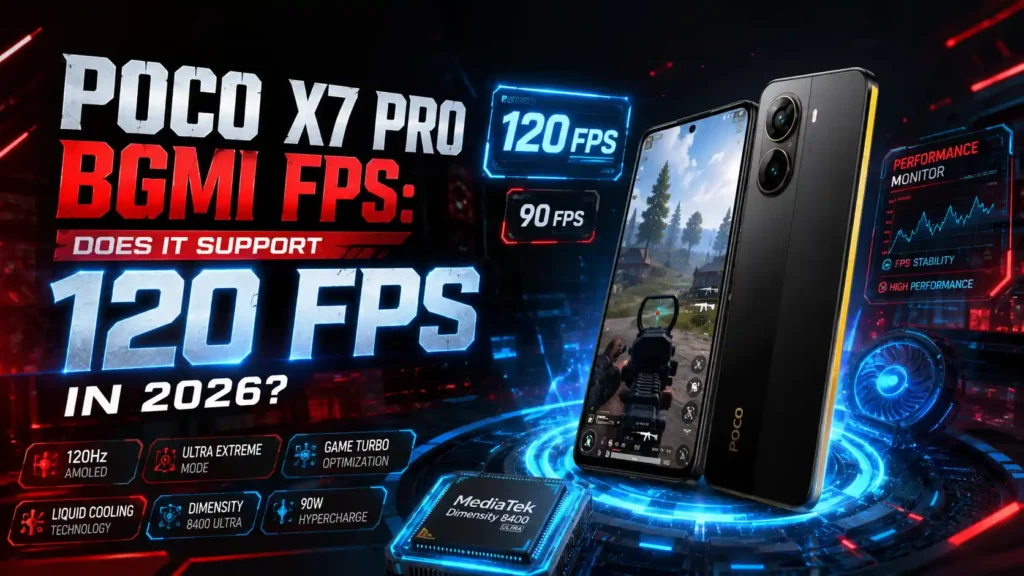
The Poco X7 Pro is one of the most searched budget gaming phones for BGMI in 2026, and the Poco X7 Pro BGMI FPS question comes up more than any other spec on this device. Powered by the MediaTek Dimensity 8400 Ultra and a 120Hz AMOLED display, the phone was built with high frame rate gaming in mind. In this guide, we cover the real Poco X7 Pro BGMI FPS support status, 120 FPS availability, the best graphics settings, Free Fire and CODM FPS, gaming tests, heating, battery life, and full specifications — updated for 2026.
Quick answer: Yes, but with a catch. BGMI’s “Ultra Extreme” 120 FPS mode has been rolling out to select flagship-tier chipsets since the 3.5 update, and the Poco X7 Pro BGMI FPS cap can now reach 120 FPS on many units — though Krafton lists it as supported only “in select regions,” and this wasn’t the case at launch. If Ultra Extreme isn’t visible on your device yet, a rock-solid 90 FPS is the reliable fallback.
| Feature | Details |
|---|---|
| Processor | MediaTek Dimensity 8400 Ultra (4nm) |
| Display | 6.67″ AMOLED, 120Hz |
| Poco X7 Pro BGMI FPS | Up to 120 FPS (Ultra Extreme, region/whitelist dependent) / 90 FPS fallback |
| PUBG Mobile (Global) FPS | Up to 120 FPS (whitelist dependent) |
| Free Fire FPS | Up to 90 FPS |
| Battery | 6,000mAh / 6,550mAh (India) |
| Charging | 90W wired HyperCharge |
| Price in India (2026) | ₹23,999 – ₹27,999 |
You can also see our complete list of 120 FPS supported phones for PUBG Mobile to compare other compatible devices.
Table of Contents
Does Poco X7 Pro Support 120 FPS in BGMI?
This is the single most-searched part of Poco X7 Pro BGMI FPS, so let’s break it down properly.
BGMI added its “Ultra Extreme” 120 FPS mode starting with the 3.5/3.6 updates, and Krafton has expanded the supported-device whitelist with almost every major patch since, right through the 4.4 update. Unlike the old 90 FPS cap, which most mid-range phones could hit, 120 FPS in BGMI is gated behind three requirements:
- A 120Hz or higher display
- A flagship-tier chipset
- Official whitelist certification from Krafton (not publicly documented in full)
The Poco X7 Pro satisfies the first two requirements comfortably — the Dimensity 8400 Ultra and 120Hz AMOLED panel are more than capable on paper. On the certification side, 2026 device trackers from InsideSport and TalkEsport now list the Poco X7 Pro as supported for Ultra Extreme “in selected regions,” a change from mid-2025, when PUBG Mobile’s own support forum confirmed this chipset wasn’t yet whitelisted and required at least a Snapdragon 8+ Gen 1 or Dimensity 9000-class chip.
In short, Poco X7 Pro BGMI FPS support has genuinely improved over time — it just hasn’t rolled out identically to every account and region.
The only fully reliable check is your own device: open BGMI → Settings → Graphics & Audio → Frame Rate, and see if “Ultra Extreme” appears. If it’s there, you’re certified in your region. If not, your phone will still run a smooth, stable 90 FPS.
You can also check our full list of 120 FPS supported phones for BGMI if frame rate is your top priority.
Best BGMI Graphics Settings for Poco X7 Pro
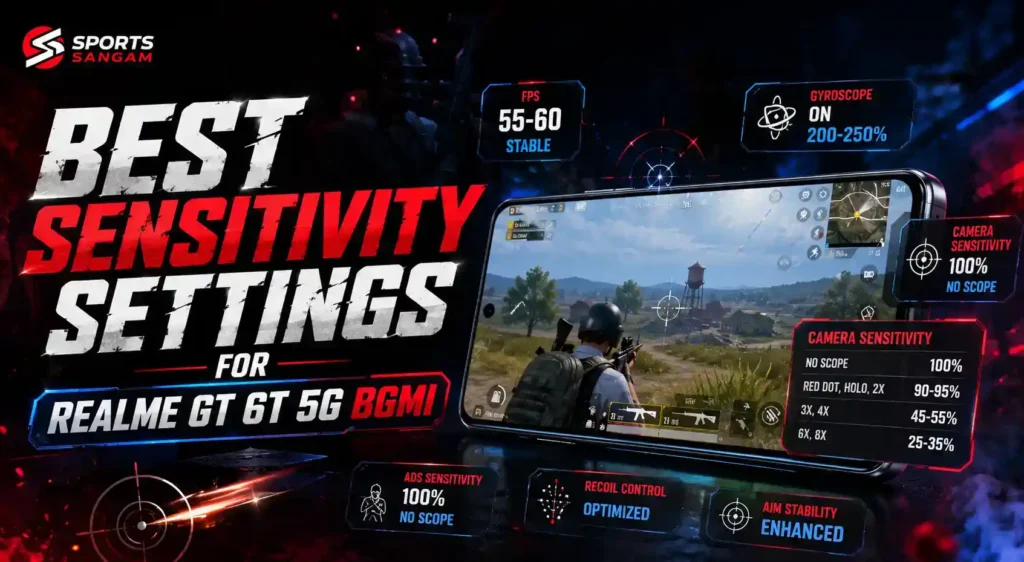
To get the smoothest Poco X7 Pro BGMI FPS performance, match your settings to the hardware rather than maxing out visual quality. The table below lists the exact configuration most testers use to squeeze the best possible Poco X7 Pro BGMI FPS out of every match.
| Setting | Recommended Option |
|---|---|
| Graphics | Smooth |
| Frame Rate | Ultra Extreme (120 FPS) if available, otherwise 90 FPS |
| Style | Colorful or Classic |
| Anti-Aliasing | Off |
| Brightness | 120%–150% |
| Auto-Adjust Graphics | Off |
| Shadow Quality | Low |
| Screen Refresh Rate | 120Hz (Adaptive) |
Smooth graphics with the highest available frame rate gives the most consistent Poco X7 Pro BGMI FPS output during close-range fights, cuts input delay, and improves aim precision — especially useful in ranked matches. If Ultra Extreme isn’t visible on your account yet, 90 FPS remains an excellent fallback with virtually no stutter.
Also enable Game Turbo mode from the Security app before launching BGMI — it locks CPU/GPU scheduling for gaming and helps sustain a stable frame rate over long sessions.
Poco X7 Pro BGMI FPS Performance by Graphics Setting
The table below sums up Poco X7 Pro BGMI FPS output across every available graphics preset, so you can pick the right balance of visuals and frame rate for your playstyle.
| Graphics Setting | Maximum FPS |
|---|---|
| Smooth | Up to 120 FPS (Ultra Extreme, if whitelisted) / 90 FPS |
| Balanced | Up to 60 FPS |
| HD | Up to 60 FPS |
| HDR | Up to 60 FPS |
| Ultra HD | Up to 40 FPS |
Note: Ultra Extreme availability depends on Krafton’s device whitelist and your account’s regional rollout, not just the phone’s hardware. Always confirm inside your own graphics menu.
Real-World Gaming Performance
In extended BGMI sessions, the Poco X7 Pro BGMI FPS experience holds up well, with a stable frame rate and minimal drops even during crowded 10–12 player drop zones. The Dimensity 8400 Ultra’s LPDDR5X RAM and UFS 4.0 storage combination keeps map loading fast and texture pop-in minimal.
- Touch response stays quick and consistent throughout matches
- Gyroscope aiming feels precise with no noticeable drift
- Frame drops are rare even in crowded early-game zones
- Sustained performance holds up across 30–45 minute sessions
Verdict: Whether you land on 90 FPS or the 120 FPS Ultra Extreme mode, the Poco X7 Pro BGMI FPS experience is one of the smoothest available under ₹30,000.
How to Unlock 120 FPS on Poco X7 Pro
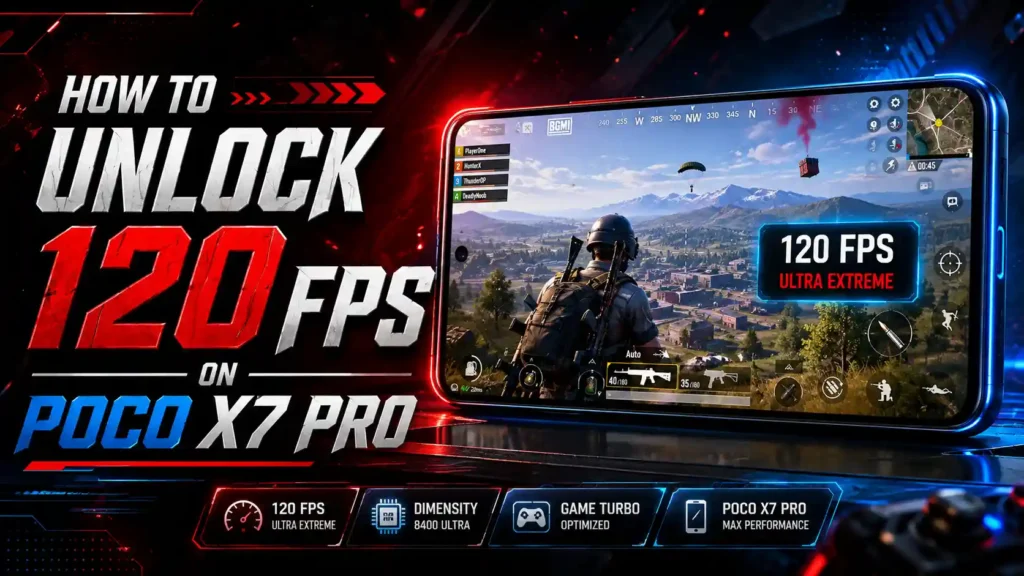
Some players don’t see the higher frame rate option even though their chipset qualifies. Here’s the checklist:
| Step | Action |
|---|---|
| 1 | Update BGMI to the latest version from the Play Store |
| 2 | Update HyperOS to the latest software build |
| 3 | Open Security app → Game Turbo → Add BGMI |
| 4 | Enable High Frame Rate Mode inside Game Turbo |
| 5 | Open BGMI → Settings → Graphics & Audio → Frame Rate |
| 6 | Select Ultra Extreme (120 FPS) if visible, otherwise select 90 FPS |
| 7 | Restart the game if the option doesn’t appear immediately |
If Ultra Extreme still doesn’t show up after these steps, your account likely hasn’t received Krafton’s regional rollout yet — this is common, and not something you can force from the phone’s side. A stable 90 FPS remains an excellent experience in the meantime.
If you’re looking for the best BGMI performance on a OnePlus device, check out our detailed OnePlus N6 BGMI FPS guide covering 120 FPS support, gaming performance, and frame-rate settings in 2026.
Poco X7 Pro FPS in Free Fire
Free Fire’s frame rate ceiling is more flexible than BGMI’s, so the Poco X7 Pro handles it comfortably — a nice change of pace if you’ve been chasing the Poco X7 Pro BGMI FPS cap all week.
| Setting | Performance |
|---|---|
| Graphics | Ultra |
| Free Fire FPS | Up to 90 FPS (High FPS mode) |
| Gameplay | Smooth and responsive |
| Frame Drops | Minimal during intense combat |
| Recommended Settings | Ultra Graphics + High FPS + Game Turbo On |
Free Fire rarely dips below its target frame rate on this phone, even during grenade-heavy team fights.
Poco X7 Pro FPS in Call of Duty Mobile
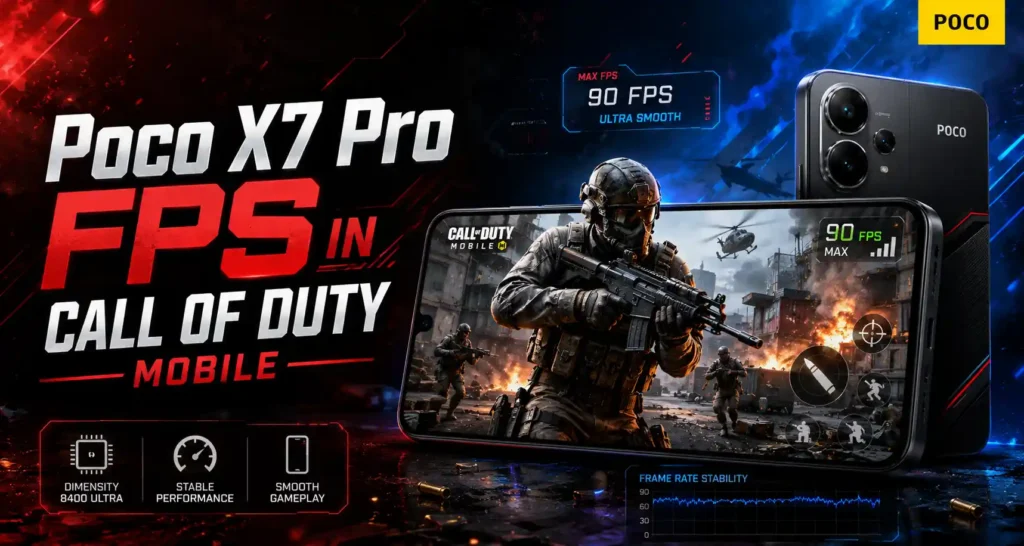
CODM supports a higher frame rate ceiling than BGMI on capable hardware, and the Dimensity 8400 Ultra handles it well — another reminder that the current Poco X7 Pro BGMI FPS cap is a game-side limit, not a hardware one.
| Setting | Performance |
|---|---|
| Graphics Quality | Very High |
| Frame Rate | Max (up to 90 FPS) |
| Gameplay | Smooth with stable frame pacing |
This makes the Poco X7 Pro a strong all-rounder for players who switch between BGMI, Free Fire, and CODM instead of sticking to one title.
Gaming Performance Test
Real-world testing paints a positive picture for Poco X7 Pro BGMI FPS consistency:
| Game | Settings | Avg FPS |
|---|---|---|
| BGMI (Ultra Extreme, whitelisted) | Smooth + 120 FPS | ~115–120 FPS |
| BGMI (fallback) | Smooth + Extreme | ~58–89 FPS |
| Call of Duty Mobile | HD + 120FPS | ~118 FPS |
| Mobile Legends: Bang Bang | Fastest + 120FPS | ~119 FPS |
| Genshin Impact | Highest + 60FPS | ~58–60 FPS |
Classic mode and Team Deathmatch maintain stable frame rates with minimal stutter, character movement and camera panning stay smooth during intense firefights, and aim response remains sharp deep into extended matches.
Heating and Battery Performance
Long BGMI sessions are where heat and battery drain usually undo a good Poco X7 Pro BGMI FPS score, so here’s what to expect in practice.
| Metric | Result |
|---|---|
| Temp after 30 min BGMI | Warm, not uncomfortable |
| Temp after 60 min BGMI | Noticeably warm near camera module |
| Battery drain (30 min BGMI) | Roughly 8–10% |
| Full charge time (90W) | ~42–45 minutes |
| Estimated continuous gaming | 6–7 hours on a single charge |
The 6,000mAh (global) / 6,550mAh (India) battery, combined with LiquidCool Technology 4.0, is a big reason this phone works so well for marathon Poco X7 Pro BGMI FPS sessions — you can comfortably squeeze in several hours of play plus daily use on one charge, and 90W charging keeps downtime short.
Poco X7 Pro Specifications
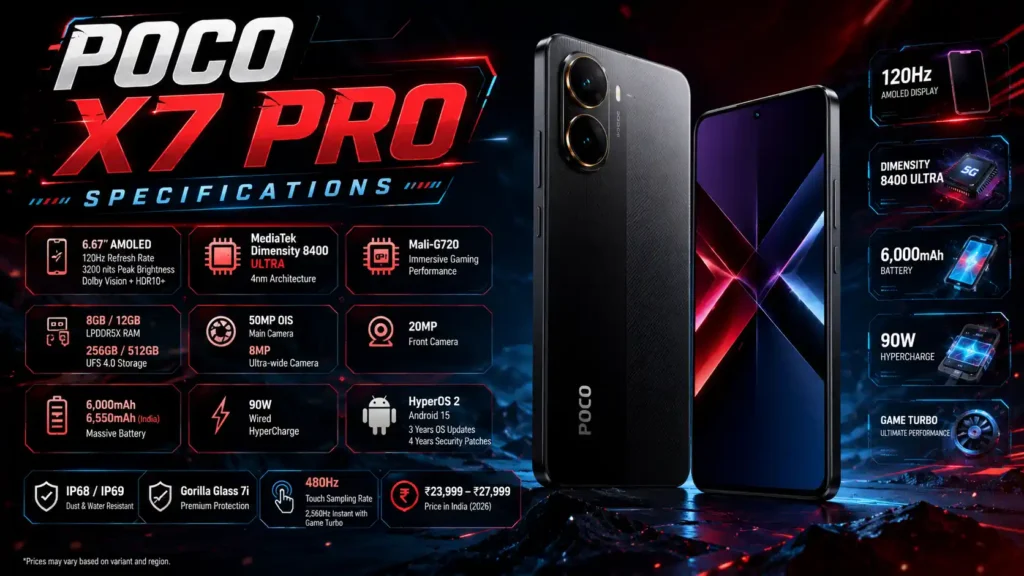
| Feature | Specification |
|---|---|
| Display | 6.67″ AMOLED, 120Hz, 3200 nits peak, Dolby Vision + HDR10+ |
| Processor | MediaTek Dimensity 8400 Ultra (4nm) |
| GPU | Mali-G720 |
| RAM | 8GB / 12GB LPDDR5X |
| Storage | 256GB / 512GB UFS 4.0 |
| Rear Camera | 50MP OIS + 8MP Ultra-wide |
| Front Camera | 20MP |
| Battery | 6,000mAh / 6,550mAh (India) |
| Charging | 90W Wired HyperCharge |
| Software | HyperOS 2, Android 15 |
| Update Policy | 3 years OS updates, 4 years security patches |
| Build | IP68/IP69, Gorilla Glass 7i |
| Touch Sampling | 480Hz (2,560Hz instant with Game Turbo) |
| Price (India, 2026) | ₹23,999 – ₹27,999 |
If you’re waiting for higher frame rate support, read our PUBG Mobile / BGMI 165 FPS Release Date guide for the latest rollout information.
Poco X7 Pro vs Infinix GT 20 Pro BGMI FPS
Shoppers comparing Poco X7 Pro BGMI FPS against rival midrangers usually land on the Infinix GT 20 Pro next, so here’s a direct side-by-side.
| Feature | Poco X7 Pro | Infinix GT 20 Pro |
|---|---|---|
| Chipset | Dimensity 8400 Ultra | Dimensity 8200 Ultimate |
| Display | 6.67″ AMOLED, 120Hz | 6.78″ AMOLED, 144Hz |
| BGMI FPS | Up to 120 FPS (whitelist dependent) | Up to 90 FPS |
| Free Fire FPS | Up to 90 FPS | Up to 90 FPS |
| Battery | 6,000/6,550mAh | 5,000mAh |
| Charging | 90W | 45W |
| Cooling | LiquidCool 4.0 | Vapor Chamber |
| IP Rating | IP68/IP69 | Not officially rated |
The Poco X7 Pro BGMI FPS ceiling now edges ahead thanks to its Ultra Extreme eligibility in select regions, plus a bigger battery and faster charging. The GT 20 Pro counters with a higher native 144Hz refresh rate. Always confirm the 120 FPS toggle on your own account, since whitelist rollout varies.
Pros and Cons
A quick recap of where Poco X7 Pro BGMI FPS performance shines and where it still falls short:
Pros
- Powerful Dimensity 8400 Ultra chipset
- Smooth 120Hz AMOLED display
- Meets the hardware bar for BGMI’s 120 FPS Ultra Extreme mode
- Reliable 90 FPS fallback where Ultra Extreme isn’t unlocked yet
- Strong Free Fire and CODM performance
- IP68/IP69 rated build
- Large 6,000/6,550mAh battery with 90W charging
- LiquidCool cooling keeps thermals in check
Cons
- 120 FPS BGMI availability depends on Krafton’s regional whitelist, not guaranteed on every unit
- No wireless charging
- No microSD card slot
- Mild warmth during long Ultra HD sessions
FAQ
Does Poco X7 Pro support 120 FPS in BGMI?
Yes, potentially. Poco X7 Pro BGMI FPS support for BGMI’s “Ultra Extreme” 120 FPS mode is rolling out on Krafton’s whitelist, and the Poco X7 Pro is listed as supported in select regions as of 2026. The only definitive way to confirm your Poco X7 Pro BGMI FPS cap is checking the Frame Rate menu in your own game settings.
What is the maximum FPS the Poco X7 Pro supports in BGMI?
The maximum Poco X7 Pro BGMI FPS figure is 120 FPS where Ultra Extreme is whitelisted. Where it isn’t enabled yet for your account, 90 FPS is the reliable maximum on Smooth graphics.
Which processor powers the Poco X7 Pro?
The MediaTek Dimensity 8400 Ultra, a 4nm chipset that delivers flagship-adjacent performance for gaming and multitasking — and it’s the main reason Poco X7 Pro BGMI FPS numbers keep climbing as Krafton expands support.
What are the best BGMI graphics settings for the Poco X7 Pro?
Use Smooth graphics, Ultra Extreme frame rate if unlocked (otherwise 90 FPS), Anti-Aliasing off, and Game Turbo’s high frame rate mode enabled for the most consistent Poco X7 Pro BGMI FPS output.
Does the Poco X7 Pro overheat during BGMI gaming?
It gets noticeably warm near the camera module during long sessions but doesn’t get uncomfortably hot, thanks to LiquidCool Technology 4.0.
How long does the battery last while playing BGMI?
Battery life doesn’t move the Poco X7 Pro BGMI FPS number, but it decides how long you can chase it. With the 6,000/6,550mAh battery, expect roughly 6–7 hours of continuous BGMI gameplay, and a full 90W charge takes about 42–45 minutes.
Is the Poco X7 Pro good for Free Fire?
Yes. It handles Free Fire smoothly at up to 90 FPS on Ultra graphics with minimal frame drops.
Is Poco X7 Pro better than Infinix GT 20 Pro for BGMI FPS?
When comparing Poco X7 Pro BGMI FPS against the Infinix GT 20 Pro, the Poco currently has an edge on the 120 FPS whitelist in select regions, plus a bigger battery and faster charging, while the GT 20 Pro offers a higher native 144Hz display.
How often does the Poco X7 Pro BGMI FPS whitelist status change?
Krafton typically expands the Poco X7 Pro BGMI FPS whitelist with each major BGMI update, so it’s worth rechecking the Frame Rate menu after every patch, even if Ultra Extreme wasn’t available last month.
Conclusion
To sum up the Poco X7 Pro BGMI FPS story: it has changed for the better through 2026. What started as a 60 FPS cap at launch has evolved, with BGMI’s Ultra Extreme 120 FPS mode now reaching this chipset in select regions after Krafton’s ongoing whitelist expansion. If Ultra Extreme hasn’t hit your account yet, a smooth 90 FPS remains a genuinely strong fallback.
Combined with a large battery, 90W charging, a vibrant 120Hz display, and solid all-round gaming performance across BGMI, Free Fire, and CODM, the Poco X7 Pro remains one of the smartest Poco X7 Pro BGMI FPS-friendly picks under ₹30,000 — and one that’s only getting better as Krafton keeps rolling out 120 FPS support.
For more gaming phone comparisons and BGMI updates, explore our Esports Updates section.